
Best budget wireless mice for small hands usually come down to one thing: shape that fits your grip without forcing your fingers to stretch, even if the price stays low. If a mouse feels “fine” for five minutes but cramps your hand after an hour, it’s rarely your fault, it’s almost always the size and hump placement.
Small-hand buyers also get stuck in a weird gap: the cheapest mice are often big “one-size” shells, while true small ergonomics sometimes hide behind gaming branding and higher prices. The good news is, plenty of mainstream budget models work well if you know what to look for, and what to ignore.
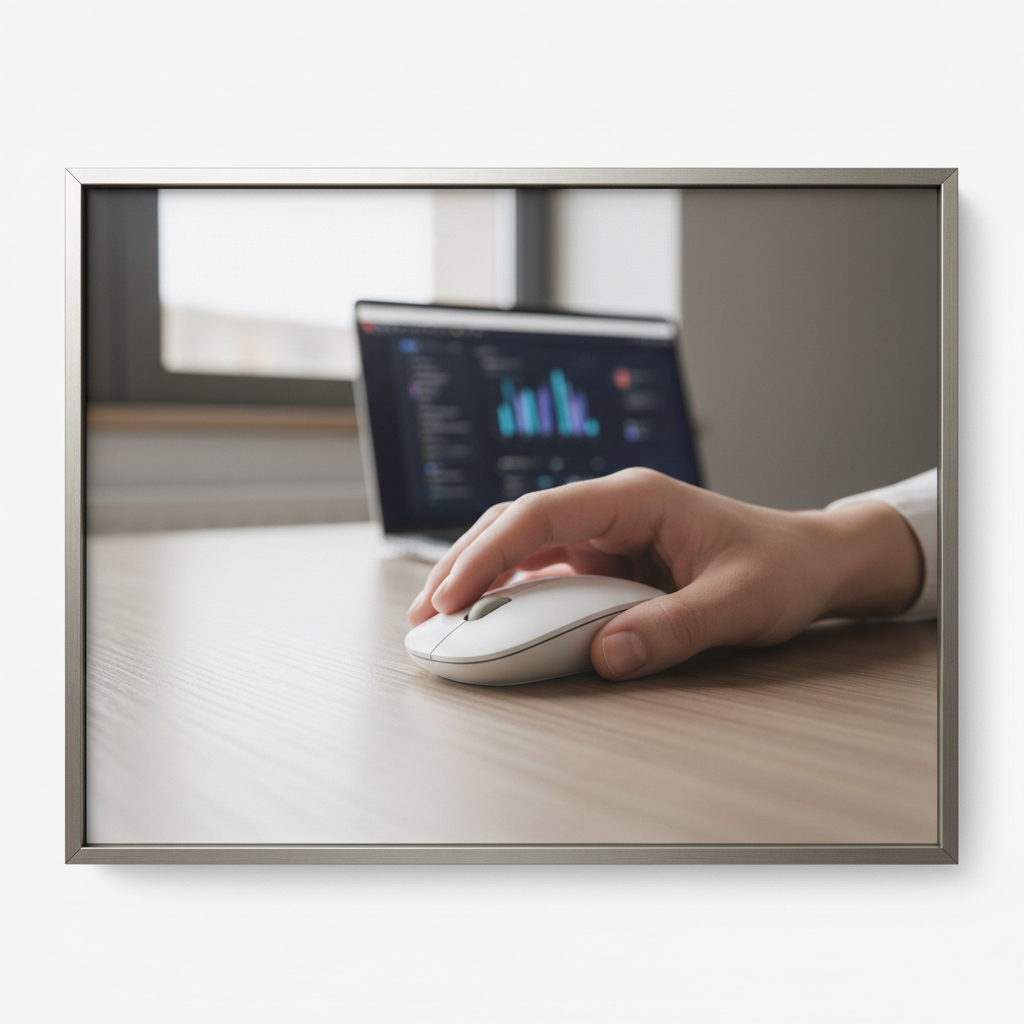
Below is a practical 2026-focused shortlist, a quick self-check to match your grip style, and buying advice that prevents the classic “returned three mice already” loop.
What “small hands” really means for a mouse
Most people shopping this category aren’t measuring with calipers, they just know their pinky drags, or the back of the mouse hits their palm too early. Still, a couple of simple references help you choose faster.
- Hand length: roughly under 6.75 in (about 17 cm) from wrist crease to the tip of your middle finger tends to feel “small” in mouse fit discussions.
- Grip style: fingertip users can handle slightly longer mice, palm users usually need a shorter length plus the right hump location.
- Mouse length and hump: a shorter body with a centered-to-rear hump often feels more secure for small palms.
According to NIOSH (the National Institute for Occupational Safety and Health), neutral wrist posture and reduced contact stress are common ergonomic goals for computer input devices, which is exactly why sizing matters more than most spec sheets.
Quick fit checklist (60 seconds)
If you do only one thing before buying, do this. It keeps you from chasing features that won’t fix discomfort.
- Where does your palm touch? If your palm rests on the mouse, you’re closer to palm grip and you’ll want shorter shells with a supportive hump.
- Do your fingertips “pinch” the mouse? That’s often claw grip; look for a pronounced hump and grippy sides.
- Do you move mostly with fingers, not arm? That’s fingertip grip; lighter mice feel better and length matters less than width.
- Any pinky/ring finger drag? Favor narrower bodies or deeper side grooves.
- Do you hate accidental clicks? Consider slightly stiffer primary switches and a defined scroll wheel.
Best budget wireless mice for small hands (top picks for 2026)
These are widely available models that tend to fit smaller hands without demanding premium pricing. Availability and street price change often, so treat “budget” as “commonly discounted” rather than a fixed number.
Comparison table (fast scan)
| Model | Why it works for small hands | Wireless type | Best for | Watch-outs |
|---|---|---|---|---|
| Logitech Pebble Mouse 2 (M350s) | Low profile, narrow feel, easy to pack | Bluetooth (and often Logi receiver support varies by bundle) | Travel, coffee shop, quiet spaces | Flat shape can tire palm-grip users |
| Logitech Signature M650 (Small) | Small-specific sizing, comfy thumb rest | Bluetooth + USB receiver | All-day office, mixed tasks | Not the lightest if you want fingertip speed |
| Razer Orochi V2 | Compact, balanced, good for claw/fingertip | Bluetooth + 2.4GHz dongle | Light gaming + work | Shape is love/hate; battery choice changes weight |
| SteelSeries Rival 3 Wireless | Smaller gaming shape with solid side control | Bluetooth + 2.4GHz dongle | Budget gaming, hybrid setup | Can feel tall for very small palms |
| Microsoft Bluetooth Mouse | Simple compact shell, easy pairing | Bluetooth | Basic daily use, student setup | Limited customization, basic sensor feel |
| Anker 2.4G Wireless Vertical Mouse (small/compact options) | Vertical angle may reduce wrist twist | 2.4GHz dongle | Wrist discomfort, office use | Vertical mice are divisive; needs adaptation time |
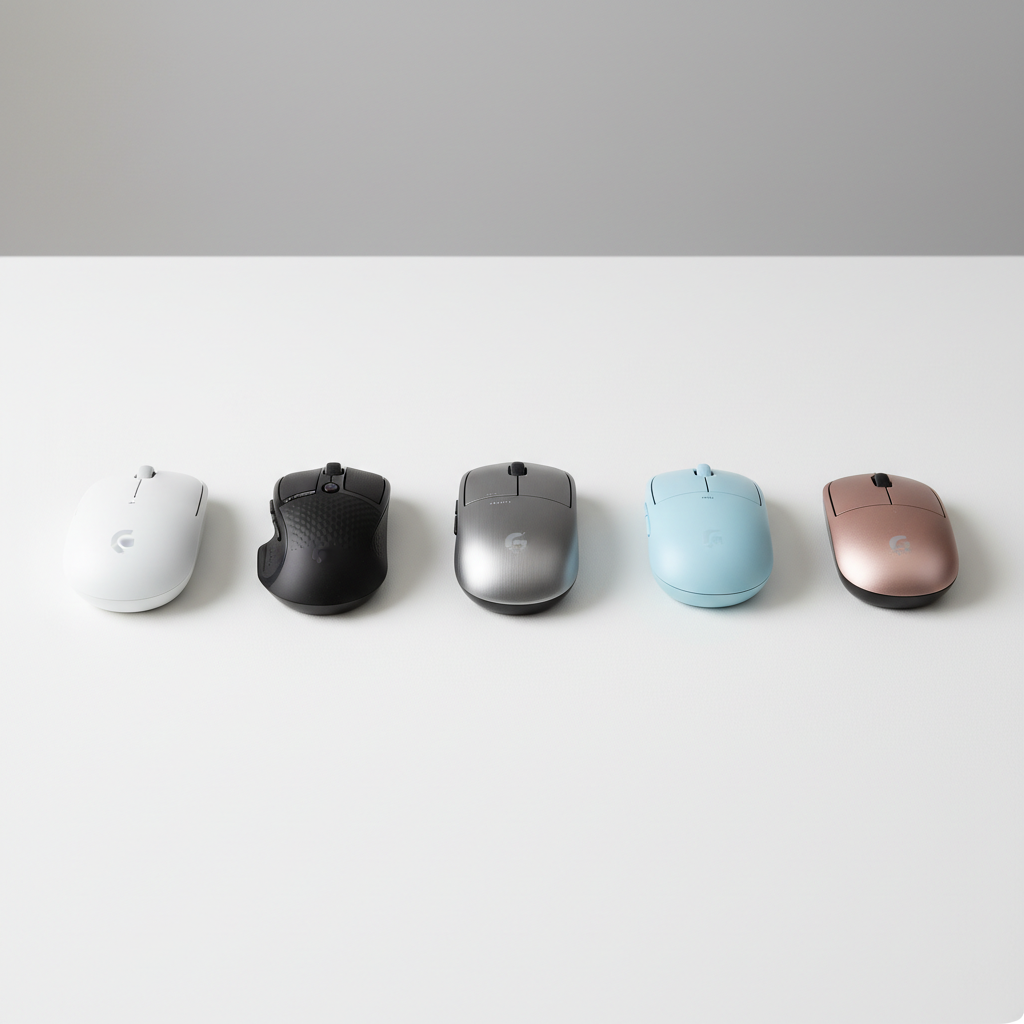
How to choose among these picks (without overthinking)
- If you type all day and want comfort: lean toward Logitech Signature M650 (Small) or a compact vertical option, depending on what your wrist likes.
- If you travel or carry a laptop daily: Pebble-style slim mice pack well and don’t snag in a bag.
- If you play games sometimes: Orochi V2 and Rival 3 Wireless tend to feel more responsive and controllable than typical office shapes.
One reality check: “gaming” doesn’t automatically mean better for small hands, it just means the brand expects grip control to matter. For budget shopping, that’s often a plus.
Why budget wireless mice often feel too big (and how to avoid it)
Many low-cost designs reuse the same shell across multiple products because molds are expensive. The result is a “universal” shape that fits average hands acceptably, but small hands end up over-reaching for side buttons, or dragging fingers on the pad.
- Width is the sneaky problem: a mouse can be short but still too wide, forcing your thumb and pinky to splay.
- Hump placement matters more than height: a hump too far forward can push your wrist back and make fingertip control sloppy.
- Weight distribution changes comfort: battery placement and shell balance can make a mouse feel “heavier” than its spec.
According to OSHA, minimizing awkward postures and contact stress is a common ergonomic strategy for computer work, which is why “close enough” sizing sometimes fails after longer sessions.
Practical setup tips that make a small mouse feel even better
Even the best budget wireless mice for small hands can feel off if your settings fight you. Small hands tend to compensate by gripping harder, and that’s where fatigue builds.
Dial in speed and reduce strain
- Increase pointer speed slightly so you stop “reaching” across the desk. Many people land in a better place with moderate speed plus acceleration disabled, but preference varies.
- Lower your grip pressure on purpose for a day or two. It feels weird at first, then your hand relaxes.
- Use a mouse pad with consistent glide so micro-movements require less force, especially if you fingertip grip.
Button mapping for smaller thumbs
- Map “Back/Forward” to side buttons only if you can hit them without shifting grip.
- If you keep mis-clicking, move secondary actions to keyboard shortcuts instead of forcing mouse ergonomics.
Common mistakes (what usually wastes money)
- Buying by DPI numbers: high DPI looks impressive, but comfort and reliable tracking matter more for daily use.
- Assuming “mini mouse” equals comfort: some ultra-small shapes cause finger cramping because there’s no support.
- Ignoring return windows: fit is personal; plan to test for a few long sessions, not a five-minute unboxing.
- Overvaluing silent clicks: quiet switches are great in shared spaces, but some feel mushy, which can increase grip tension.
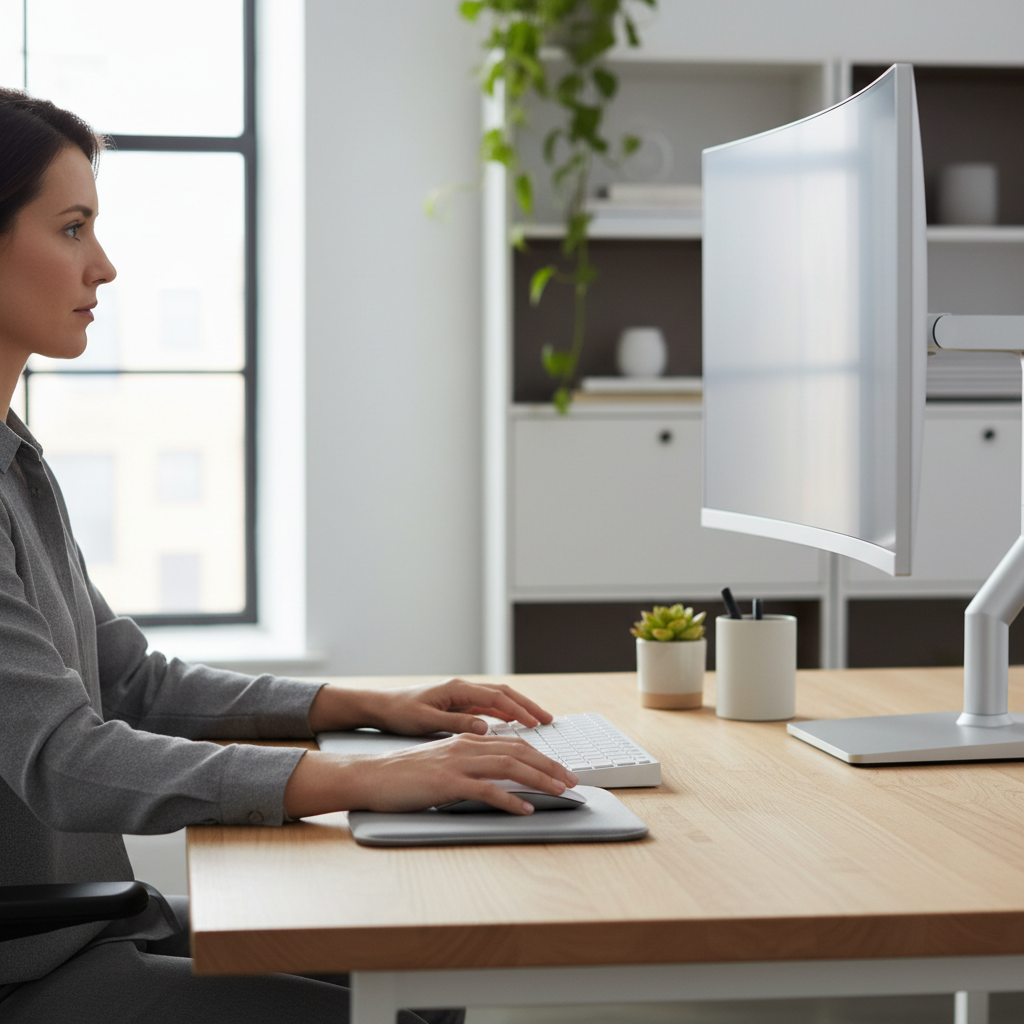
When to consider ergonomic or professional help
If you feel tingling, numbness, or persistent wrist pain, it may be more than “wrong mouse.” In many cases, adjusting desk height, keyboard position, and work breaks matters as much as hardware.
- Try a vertical mouse if wrist rotation feels irritating, but expect a learning period.
- Consider a trackball if arm movement triggers discomfort, though some small-hand users dislike the thumb-ball style.
- Talk to a clinician or ergonomics professional if symptoms persist or worsen, especially if you notice night pain or weakness.
According to American Academy of Orthopaedic Surgeons (AAOS), hand and wrist symptoms that don’t improve with rest and simple changes are worth discussing with a qualified medical professional.
Key takeaways + a simple recommendation path
- Small-hand comfort is mostly shape: prioritize width and hump placement over spec-sheet hype.
- Pick based on your day: office comfort, travel slimness, or gaming control lead to different “best” choices.
- Plan a real test: use it for a few longer sessions, then decide during the return window.
If you want one safe starting point, a “small” sized office mouse with dual wireless options is often the least risky. If you want a more agile feel, a compact gaming-style shape is usually the next step up without jumping into premium pricing.
FAQ
What size wireless mouse is best for small hands?
Look for compact shells with a narrower grip width and a hump that supports your palm without pushing your wrist back. If a mouse forces your thumb to flare out, it will usually feel bigger than the dimensions suggest.
Are vertical mice good for small hands on a budget?
They can be, especially if wrist rotation feels uncomfortable, but fit varies a lot by model. If you try one, pick a compact version and give yourself a few days to adapt before judging it.
Is Bluetooth or 2.4GHz better for a budget wireless mouse?
2.4GHz dongles often feel more consistent for fast cursor movement, while Bluetooth is convenient for laptops and tablets. Many budget-friendly models now offer both, which is ideal if you switch devices.
Do I need side buttons if my hands are small?
Only if you can reach them without shifting your grip. For small hands, awkward side buttons can create more strain than they save in time, so it’s fine to skip them.
What grip style is most comfortable for small hands?
There’s no single winner. Fingertip grip often pairs well with lighter compact mice, while palm grip tends to require more supportive shapes so your hand doesn’t “hover” and tense up.
How do I know if a mouse is causing my wrist pain?
If discomfort increases during longer sessions and improves when you stop, the mouse shape or desk setup might contribute. Persistent pain, tingling, or weakness deserves a cautious approach and possibly professional advice.
Can I make a slightly-too-large mouse work?
Sometimes, with higher pointer speed, better pad glide, and relaxed grip. But if you’re constantly repositioning your fingers or your pinky drags, switching to a smaller shape is usually more effective.
If you’re trying to narrow down best budget wireless mice for small hands for your exact grip and daily routine, it may help to list your top two comfort issues first, then choose the model that addresses those rather than chasing extra features you won’t use.