
Best budget usb c chargers for laptops are usually worth buying when you match wattage, USB-C Power Delivery support, and basic safety certifications to your specific machine, not when you chase the lowest price. If your current charger runs hot, charges slowly, or feels flaky at the port, you can often fix that with a smarter budget pick rather than an expensive brand-only brick.
This matters more in 2026 because laptops, tablets, and phones increasingly share USB-C, yet they don’t share the same power needs. A “cheap USB-C charger” can be totally fine for a 45W ultrabook and a bad experience for a 16-inch workstation, and most of the frustration comes from buying the wrong power profile.
Below is a practical way to choose a reliable low-cost USB-C charger, a comparison table of common budget-friendly options by use case, and a quick checklist to avoid the sketchy stuff.
What “budget” really means for USB-C laptop charging
In this category, “budget” usually means safe and adequate, not “as cheap as possible.” A charger can be inexpensive because it skips extras like an extra-long cable, a premium finish, or four ports. That’s fine. The red flag is when cost savings show up in heat management, inconsistent power, or missing certification info.
For most people, a budget charger that feels like a win has three traits: it delivers the wattage your laptop actually negotiates, it stays reasonably cool under load, and it has at least one reputable safety mark you can verify.
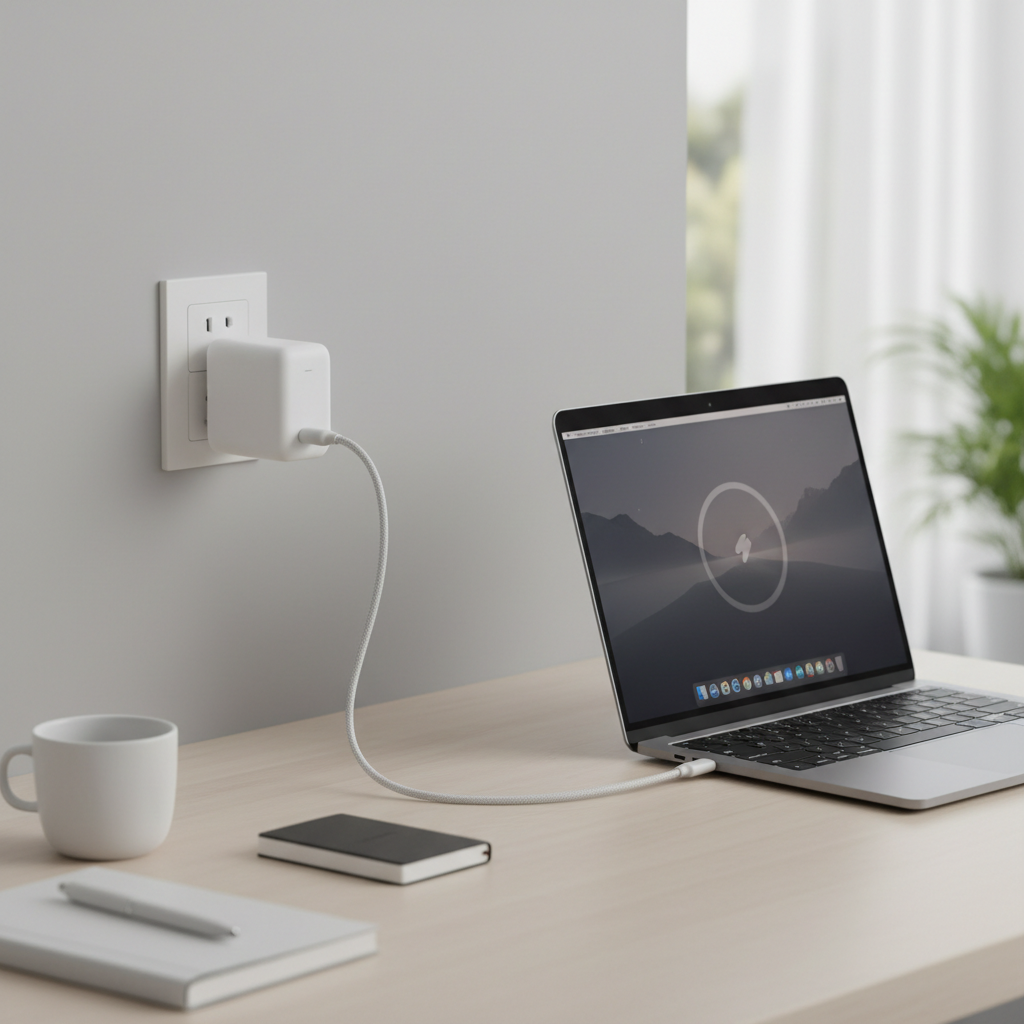
Key specs that decide whether a cheap charger works
The easiest way to avoid disappointment is to shop by the specs your laptop needs, then choose the lowest-cost option that still looks legitimately built and certified.
- Wattage (W): Many ultrabooks are happy at 45–65W, while bigger machines may want 90–140W. If you buy too low, the laptop may charge slowly, hold battery steady, or even drain under load.
- USB-C Power Delivery (USB PD): This is the negotiation standard that lets the charger and laptop agree on safe voltage/current. Look for PD and, for newer gear, PD 3.1 if you’re shopping near 140W territory.
- Port type and count: Multi-port chargers can be great, but read how power splits. A “100W” charger might drop to 65W on one port once you plug a phone in.
- GaN vs silicon: GaN chargers are often smaller and run cooler, but “GaN” alone isn’t a quality guarantee. Treat it as a convenience feature, not proof of safety.
- Cable limits: Your charger can be 100W, but a weak cable can bottleneck to 60W or less. For 100W, you generally want a USB-C cable rated 5A (often sold as “100W”).
According to USB-IF, certified USB-C and USB Power Delivery products follow defined electrical and interoperability requirements, which reduces compatibility surprises. In practice, it’s one of the cleaner signals that a budget charger is at least playing by the rules.
Quick comparison table: budget-friendly picks by laptop type
Because pricing and availability shift week to week, the table below is organized by “what to buy” rather than “buy this exact model.” Use it to filter options on Amazon, Best Buy, or direct brand stores without getting stuck in spec soup.
| Use case | Recommended wattage | What to look for | Common mistakes |
|---|---|---|---|
| 13–14" ultrabook (office, school) | 45–65W | USB PD, 1–2 ports, compact body | Buying 30W phone charger and hoping |
| 15–16" productivity laptop | 65–100W | PD, decent heat handling, 5A cable | Multi-port model that drops to 45–65W |
| Creator laptop (CPU/GPU loads) | 100–140W | PD 3.1 near 140W, strong thermal design | Assuming USB-C will replace the OEM brick for full performance |
| Travel charger for laptop + phone | 65–100W total | Clear power-split rules, foldable prongs | Not checking how power reallocates per port |
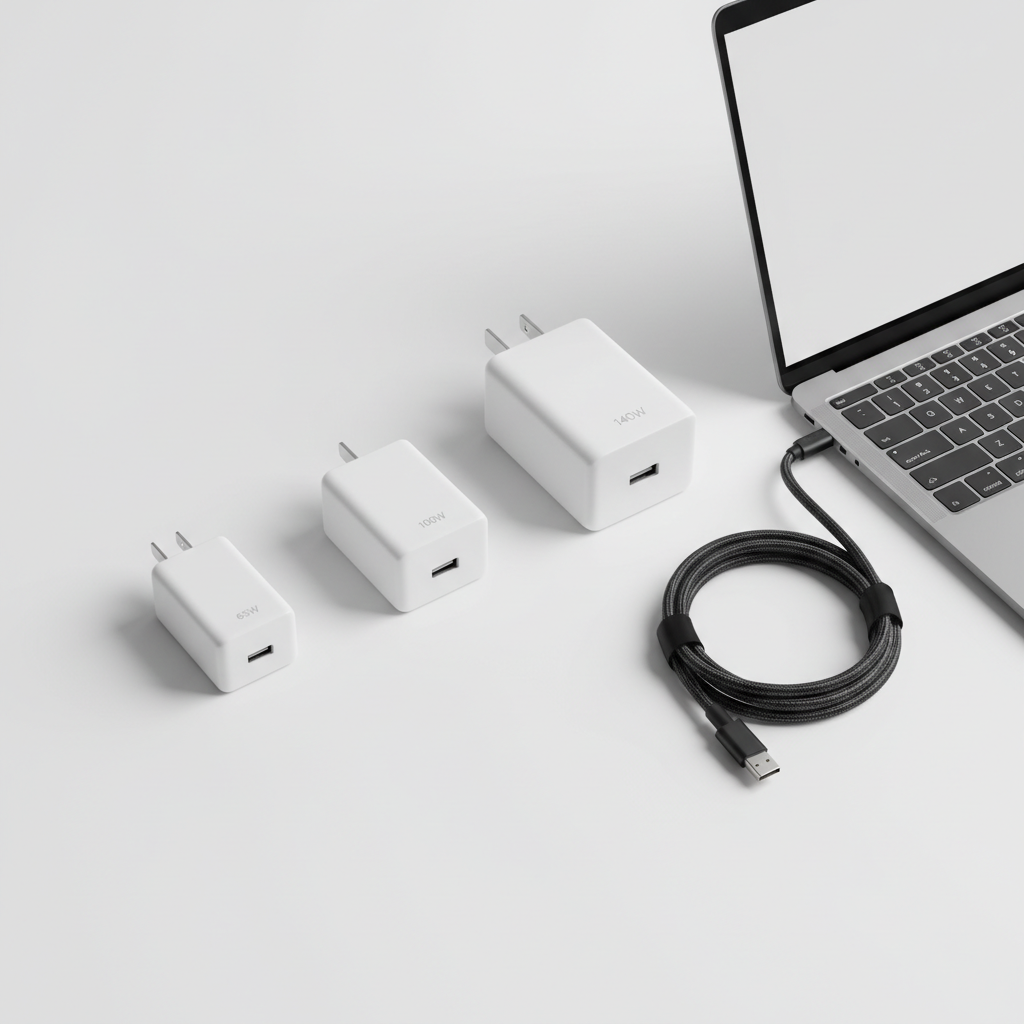
Self-check: what your laptop actually needs
If you want the shortest path to the right charger, do this quick check before shopping. It takes two minutes and saves the “why is this so slow” headache.
- Check your current charger label: Look for output like 20V ⎓ 3.25A (65W) or 20V ⎓ 5A (100W). Match or slightly exceed.
- Check your laptop’s USB-C charging spec: Some laptops have USB-C ports but only accept charging on specific ports, or cap input wattage.
- Think about your load: If you game, edit video, compile code, or drive multiple monitors, give yourself headroom. Under load, a “just enough” charger feels not enough.
- Decide if you need multi-port: If you always charge phone + laptop together, a dual-port model is convenient, just don’t assume full wattage stays on the laptop port.
If you can’t find reliable specs, many laptop makers list USB-C charging limits in support docs, and retailers often show “recommended wattage” in Q&A. It’s not perfect, but it’s better than guessing.
How to shop safely when going cheap
Budget shopping is where you want to be a little picky. Not paranoid, just selective.
Look for safety and compliance signals you can verify
- UL or ETL listing for the U.S. market is a strong sign. According to UL Solutions, safety certification programs evaluate products against standards intended to reduce risks like fire and electric shock.
- USB-IF certification is a helpful extra, especially for USB-C cables and PD chargers.
- Clear model numbers and support info: Brands that publish spec sheets, warranty terms, and support channels tend to be safer buys than “mystery listings.”
Red flags that show up in cheap listings
- Wattage claims that feel too good for the size, with no PD profile details
- No mention of PD, only vague “fast charge” language
- Photos that hide labels or use generic renders
- Reviews that mention buzzing, burning smell, or melting plastic
If you’re shopping for the best budget usb c chargers for laptops and you see repeated heat complaints, trust that pattern. Heat is where cheap designs tend to lose.
Practical setups that work (without overspending)
Here are common “real life” setups that tend to deliver the best value, assuming you buy from a recognizable electronics brand and use a properly rated cable.
- Single-port 65W PD charger + 100W-rated cable: Great for most students and office users. Simple, less power-splitting drama.
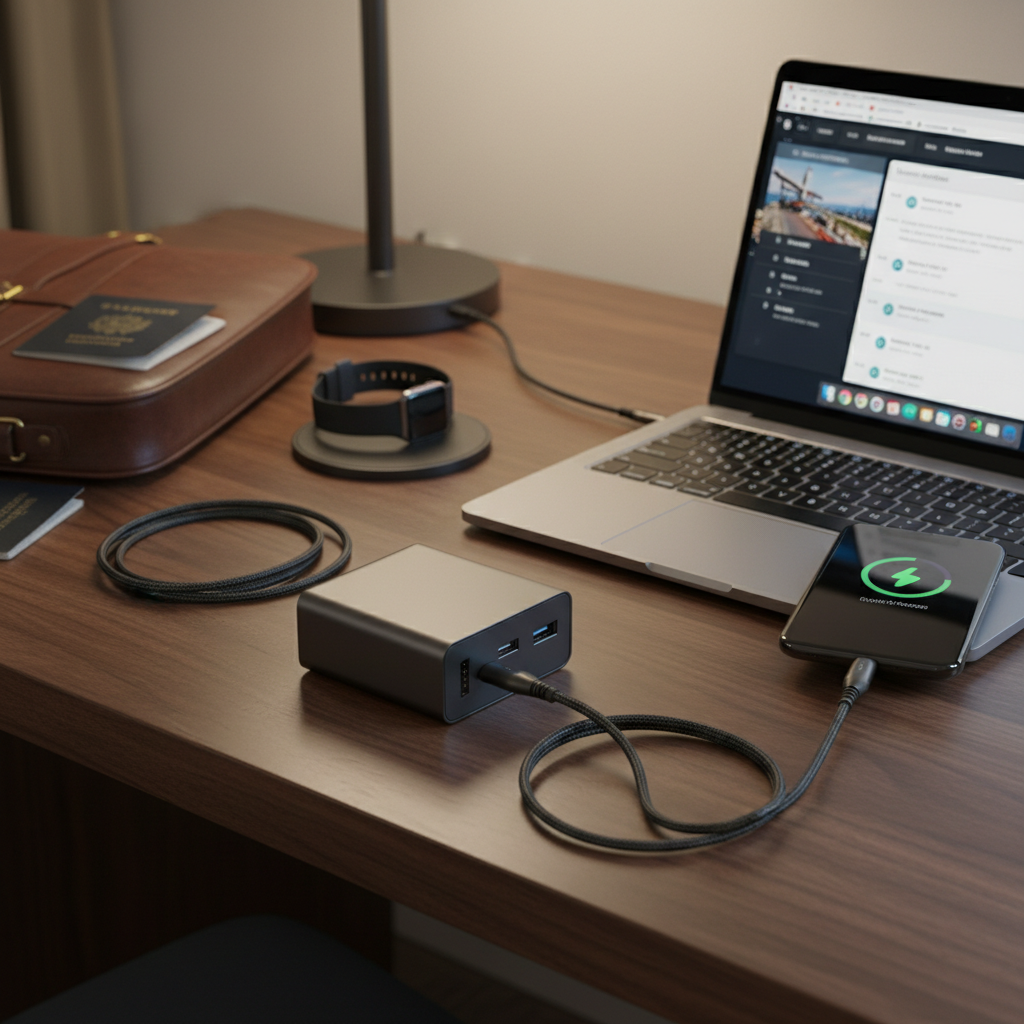
- 100W dual-port charger for travel: Works well when you want laptop + phone, as long as the laptop can tolerate occasional drops to 65W during dual charging.
- 140W PD 3.1 charger (only if your laptop supports it): Worth it for newer high-end USB-C charging laptops. If your laptop caps at 100W, you’re paying for unused headroom.
Common misconceptions that waste money
A lot of “budget charger disappointment” isn’t about the charger being broken, it’s about expectations.
- “My laptop has USB-C so any USB-C charger works.” Many will “work,” but at a low wattage that feels unusable, especially during heavy use.
- “A 100W charger means I always get 100W.” Power depends on negotiation, cable rating, port sharing, and laptop limits.
- “More ports is always better.” Extra ports are great until the charger quietly reallocates power and your laptop crawls.
- “Hot is normal.” Warm is normal, uncomfortably hot is a warning sign. If you notice smell, discoloration, crackling, or random disconnects, stop using it and consider professional help if you suspect outlet issues.
According to CPSC, consumers should stop using and replace electrical products that show signs of overheating or damage, and follow manufacturer guidance for safe use. If something feels off, don’t “test it a few more days.”
Conclusion: the simplest way to get a good budget charger in 2026
The best buys usually look boring: a 65W or 100W USB PD charger from a recognizable brand, paired with a cable rated for the wattage you expect, and backed by verifiable safety markings. That combination tends to beat flashy multi-port bargains that promise everything and deliver inconsistent laptop power.
If you want a quick action plan, start by reading your current charger’s wattage, pick the closest PD replacement with a little headroom, then verify the cable rating. If you do those three things, you’ll land in the “best budget usb c chargers for laptops” zone without spending premium money.
FAQ
What wattage is enough for a budget USB-C laptop charger?
For many 13–14 inch laptops, 45–65W is sufficient. If you use heavier apps or a larger laptop, 65–100W often feels more stable. The safest move is matching your original charger’s wattage.
Can I use a phone USB-C fast charger for my laptop?
Sometimes, yes, but it’s usually too low wattage to be practical. A phone charger may keep the battery from draining while the laptop sleeps, yet struggle during real work sessions.
Do I need a GaN charger to get good value?
No, but GaN models are often smaller and more travel-friendly. Value comes from the right PD wattage and decent build quality, not the semiconductor marketing.
Why does my “100W” charger only charge my laptop slowly?
Common causes include a non-5A cable, power splitting across ports, or your laptop negotiating a lower PD profile. Try a known 100W-rated cable and charge from the highest-power port.
Is USB-IF certification required?
It’s not required, but it’s a helpful trust signal, especially for cables. For wall chargers, UL/ETL plus clear PD specs usually matter more in day-to-day buying.
Are cheap multi-port chargers safe?
Many are safe, but quality varies a lot. Look for verifiable safety listings and clear power-allocation rules. If a listing is vague, that vagueness often shows up later as heat or unstable charging.
When should I stop using a USB-C charger?
If you notice burning smell, visible damage, repeated disconnects, or the charger becomes unusually hot, stop using it. If you suspect an outlet or wiring issue, it’s reasonable to consult a qualified electrician.
If you’re trying to simplify your setup, a practical approach is picking one reliable PD charger that matches your laptop’s real input needs, then standardizing on one or two good cables. If you’d rather not compare specs for an hour, start with your laptop’s original wattage and shop within that lane, it’s the most “budget-friendly” shortcut because it avoids returns.