
Free online courses apps can be a smart way to level up without committing to pricey subscriptions, but choosing one gets confusing fast because “free” can mean very different things depending on the platform.
Some apps are truly free for learning but charge for certificates, others limit offline downloads, and a few lock the best content behind a trial. If you pick the wrong one, you usually waste time, not money, which still hurts when you are trying to learn on a schedule.
This guide breaks down what to look for in 2026, which apps tend to work best for different goals, and how to decide in 10 minutes without overthinking it.

What “free” really means in course apps (and why it matters)
Most free learning apps sit in one of these models, and the differences affect your day-to-day experience more than the course catalog does.
- Free content, paid credential: You can watch or read everything, but a certificate or graded assignments cost extra.
- Freemium library: Plenty of beginner material is free, advanced courses require a subscription.
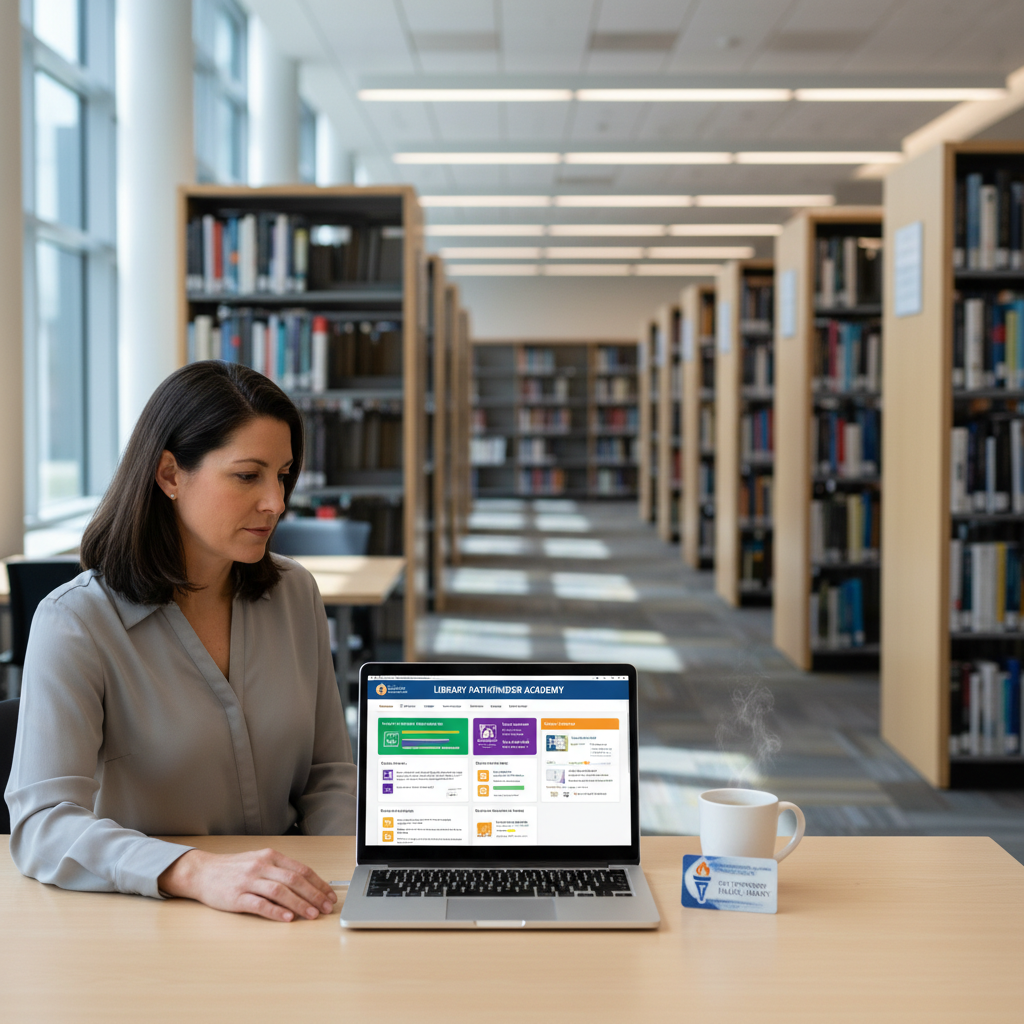
- Public library access: Free with a library card, often includes premium courses without you paying directly.
- University open learning: Lecture access may be free, but feedback, tests, or credit typically are not.
Quick reality check: if your goal is a resume credential, “free” may still be useful, but you will want to confirm what proof of completion looks like before you start.
Best free online courses apps in 2026 (grouped by best use)
Below are commonly used apps and platforms in the US that many learners rely on. Availability, pricing, and certificate rules change, so treat this as a shortlist to evaluate rather than a permanent ranking.
Best for job skills and professional certificates
- Coursera: Often offers free auditing for many courses, with payment usually tied to certificates, graded work, or professional programs.
- edX: Similar audit model on many courses, verified certificates typically cost extra.
- Google Career Certificates (via partner platforms): Not always free, but sometimes discounted; worth checking if you want structured job-ready pathways.
According to Coursera, many courses can be audited for free, while certificates and assessments may require payment. Always verify per course because it varies by instructor and program.
Best for creators and practical how-to learning
- YouTube Learning playlists: The most “free” option, with huge variety and uneven quality, so you need a plan to avoid bouncing around.
- Skillshare (trial-based): Not free long-term, but sometimes useful for short bursts if you are disciplined about canceling.
If you learn best by doing, creator-led lessons can feel more actionable than academic lectures, but you will want to cross-check claims and keep notes so you build a portfolio piece.
Best for language learning
- Duolingo: Solid for daily habit-building, especially at beginner level, with ads in the free tier.
- BBC Learning English (web + mobile friendly): Great for structured English practice, especially listening and vocabulary.
Best “hidden gem” if you have a library card
- LinkedIn Learning via public library: Many US library systems provide free access, which can be a big value if you want business, tech, and software courses.
- Gale Presents: Udemy Business (library access in some regions): Some libraries include it, others do not, so you must check your local catalog.
According to the American Library Association, many public libraries offer access to online learning resources and databases, and the exact offerings depend on your local system.
Quick comparison table (what to check before you commit)
This table focuses on the friction points that usually decide whether you stick with an app for more than a week.
| App/Platform | Best for | Typical “free” access | Certificate | Offline learning |
|---|---|---|---|---|
| Coursera | Career skills, university courses | Audit many courses | Usually paid | Varies by app/course |
| edX | Academic + professional topics | Audit many courses | Usually paid | Limited, varies |
| Khan Academy | K-12, fundamentals | Free learning content | Not the focus | Limited, varies |
| Duolingo | Language habit | Free with ads | Not the focus | Some offline features vary |
| LinkedIn Learning (via library) | Business, tech, software | Free with participating library | Completion badges | App supports offline for many courses |
| YouTube | How-to, broad topics | Free videos | No | Limited, varies by device/app |
A 10-minute self-check: which app fits your situation?
If you match the app to the constraint you actually have, you are more likely to finish. Here is a quick way to choose.
- If you need a credential for HR filters: prioritize platforms where certificates are recognized in your industry, and confirm the certificate is tied to the exact course you plan to complete.
- If your schedule is chaotic: look for short lessons, strong bookmarking, and audio-friendly content so you can keep momentum.
- If you commute or have limited Wi‑Fi: offline downloads matter more than the “best” instructor.
- If you are switching careers: pick structured pathways and a capstone project, even if the certificate is paid later.
- If you just want to explore: start with free auditing or library access so you can sample without friction.
One more honest check: if you tend to quit when lessons get hard, choose an app with quizzes, reminders, and a clear progress path, even if the content is slightly less exciting.
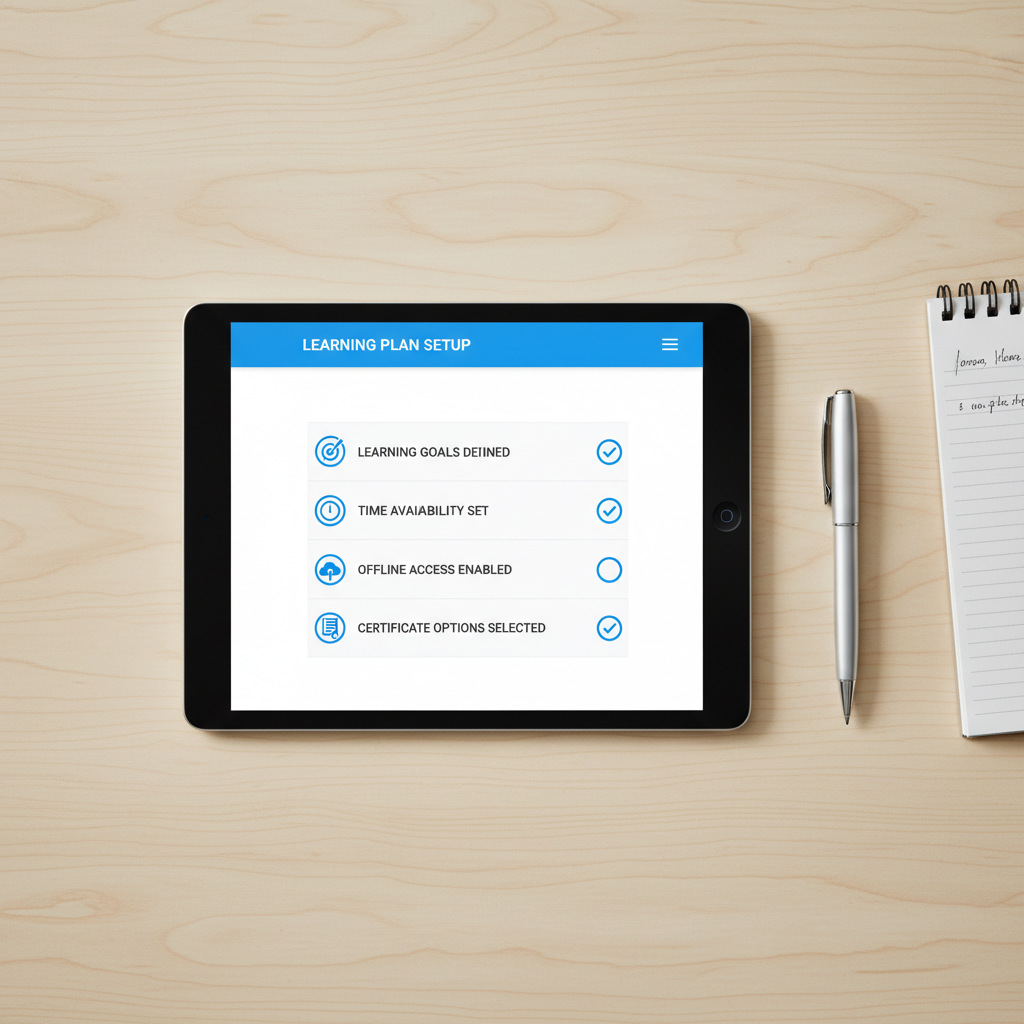
How to get the most value from free tiers (practical workflow)
Most people do not fail because the app is bad, they fail because they treat learning like browsing. A simple workflow fixes that.
- Pick one skill, one project: “learn Python” is vague, “clean a CSV and make a chart” is finishable.
- Audit before you pay: in many free online courses apps you can preview lesson quality, pacing, and prerequisites.
- Use a notes system you will actually revisit: a single doc with headings beats five scattered notebooks.
- Schedule tiny sessions: 15 minutes daily often beats a two-hour weekend plan that never happens.
- Build proof as you go: screenshots, GitHub repos, small write-ups, or a mini portfolio page can matter more than a certificate in many roles.
According to Google’s re:Work guidance on habit-building and productivity, small repeatable routines tend to be easier to sustain than occasional big pushes, which maps well to self-paced learning.
Common mistakes to avoid (that make “free” feel expensive)
These are the traps that waste the most time.
- Chasing “best app” instead of finishing a syllabus: switching platforms resets your momentum.
- Starting above your level: if you pause every 30 seconds, you probably need a fundamentals course first.
- Ignoring hidden requirements: some courses require paid quizzes to unlock completion status, which matters if you need proof.
- Overvaluing certificates: in many hiring scenarios, a portfolio, practice tests, or hands-on tasks carry more weight, though it depends on the role.
- Not checking accessibility: captions, playback speed, screen reader support, and mobile UX affect whether you can keep going.
When to consider paid options or professional help
Free is a great starting point, but there are situations where paying or getting guidance is reasonable.
- You need an industry-recognized credential quickly: some fields expect a specific certificate or proctored exam, and free study alone may not be enough.
- You are stuck without feedback: if you keep repeating the same mistakes, a mentor, tutor, or cohort course can shorten the loop.
- You need a structured job-search pipeline: career coaching, resume reviews, or interview prep may be worth budgeting for if it removes guesswork.
If your learning plan ties into licensing, compliance, or safety-critical work, it is smart to confirm requirements with an accredited program or a qualified professional.
Key takeaways and a simple next step
If you want a clean way to decide, start by picking one of these paths: audit a career course on Coursera or edX, check your library for LinkedIn Learning access, or use YouTube playlists for rapid exploration, then commit to a small project within seven days.
Action step: choose one course tonight, confirm what “completion” means on that platform, and schedule three 15-minute sessions on your calendar before the week gets away from you.
FAQ
What are the best free online courses apps for certificates?
Many platforms let you learn for free but charge for certificates, so the “best” depends on whether you can audit and still get what you need. Coursera and edX often support free auditing, while verified proof typically requires payment.
Can I really learn job skills with free course apps?
Yes, especially for foundational skills like spreadsheets, basic coding, data concepts, and entry-level business topics. The bigger challenge is turning lessons into work samples, so plan a small project and ship it.
Which free apps work best if I have no Wi‑Fi?
Look for offline downloads and a mobile app that keeps progress synced. Availability varies by course and device, so test offline mode early instead of discovering limits mid-course.
Are library-based learning apps worth it?
Often, yes, because they can unlock premium catalogs at no cost to you. The catch is that access depends on your local library system, so you need to search your library’s digital resources page.
Is YouTube good enough compared to course platforms?
For exploration and practical how-tos, YouTube can be excellent. It becomes harder when you want structured progression, quizzes, or consistent prerequisites, which is where course platforms usually win.
How do I avoid signing up for something that is “free” but not really?
Before you start, check three things: what is included in the free tier, whether graded assignments are locked, and what proof you can download or share. If any of those matter to you, verify on the course page, not the homepage.
Do employers care about free course certificates?
It varies by industry and hiring manager. In many cases, a certificate helps as a signal of effort, but a portfolio or practical demonstration tends to carry more weight, especially for technical roles.
If you are trying to pick between a few free online courses apps and want a more “just tell me what to do” plan, share your goal, weekly time budget, and whether you need a certificate, and you can narrow to one platform and one course path without guessing.