
Best phone holders for desk setups come down to one thing: keeping your screen at a comfortable height and angle without your phone wobbling every time you tap it. If you’re bouncing between calls, Slack, and calendar alerts, a decent desk stand feels less like an accessory and more like basic office infrastructure.
Most people start looking because of one annoying moment: the phone slides off a pile of notebooks, or you keep craning your neck to read notifications on the desk. After a week of that, you either give up and keep the phone in your hand, or you buy something that actually fits how you work.
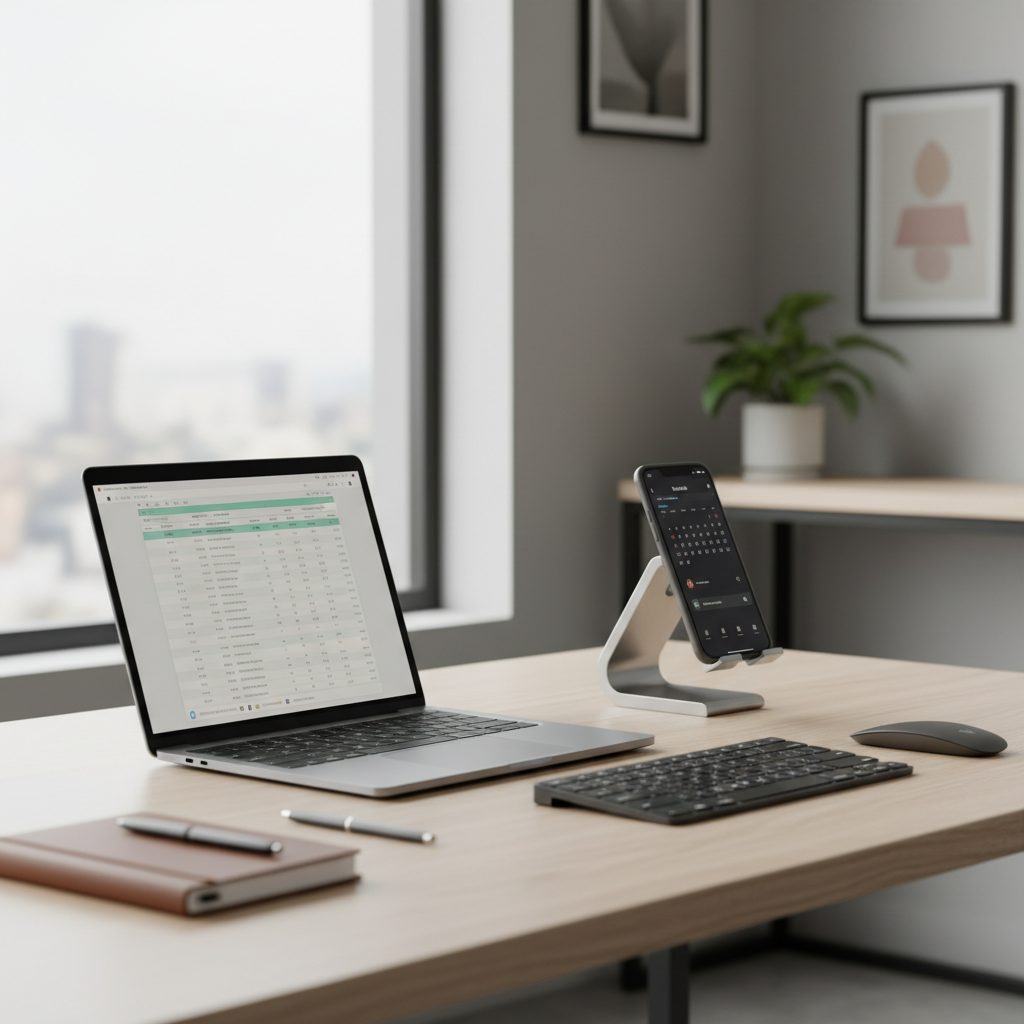
This guide breaks down the main holder styles, what to look for (stability, adjustability, charging access), and which types tend to work best for different office routines. No one needs a “premium” stand that makes your desk worse.
What makes a desk phone holder “good” (and what usually disappoints)
A phone stand can look great on a product page and still feel wrong on your desk. The gap is usually about physics and habits: how often you touch the screen, how heavy your phone is, and whether you plug in to charge while it sits.
- Stability first: a weighted base, grippy feet, and a hinge that doesn’t slowly sag. If you tap the screen often (messages, 2FA codes), stability matters more than looks.
- Angle and height range: small angle changes can reduce neck bending. A stand with real adjustability tends to beat a fixed wedge for all-day use.
- Case compatibility: many stands work fine with a standard case, but thicker rugged cases can slip or block charging cutouts.
- Charging access: the best designs leave room for a cable, or integrate a wireless charger if you prefer drop-and-go.
- Desk footprint: a large base can be great for stability, but annoying on compact desks or keyboard trays.
According to OSHA, awkward neck posture and repeated bending can contribute to discomfort over time, so raising screens closer to eye level often helps reduce strain. If pain persists, it’s smart to consult a qualified health professional.
Quick comparison table: types of desk phone holders
Instead of chasing brand names, it’s usually more useful to pick the right style. Here’s the practical trade-off view.
| Type | Best for | Pros | Watch-outs |
|---|---|---|---|
| Weighted adjustable stand | Most desks, frequent tapping | Stable, good angles, clean look | Cheaper hinges can loosen |
| Foldable travel stand | Hybrid work, portable setups | Light, packs small, often affordable | Usually less stable for heavy phones |
| Gooseneck clamp mount | Standing desks, odd angles | Huge reach, flexible positioning | Can wobble, clamp marks if cheap |
| Magnetic (MagSafe-style) desk mount | Quick dock/undock, iPhone users | Fast one-hand use, tidy | Needs strong magnets, case matters |
| Wireless charging stand | All-day charging, minimal cables | Convenient, reduces plug wear | Heat, alignment sensitivity, slower charging |
The best phone holders for desk by real office scenario
“Best” changes depending on what your phone does during work hours. Below are the setups that most often make people happy after the novelty wears off.
If you’re on video calls or use your phone as a camera
Look for an adjustable stand that can reach eye level, or a clamp/gooseneck that can float the phone near your monitor. It keeps your face centered and reduces the temptation to hunch.
- Prioritize: height range, firm hinge, landscape/portrait switching
- Nice to have: tripod thread (rare on desk stands, common on mounts)
If you mostly check notifications and 2FA codes
A weighted adjustable stand is the boring, correct answer. You’ll tap the screen a lot, so you want something that doesn’t scoot backward.
- Prioritize: heavy base, anti-slip pads, wide cradle
- Avoid: ultra-light foldables unless you rarely touch the phone
If your desk is tiny or cluttered
Go vertical. A magnetic mount or slim stand can tuck next to a monitor riser. If you can’t spare footprint, a clamp mount attached to a shelf is often the cleanest workaround.
- Prioritize: small base, cable routing, one-hand docking
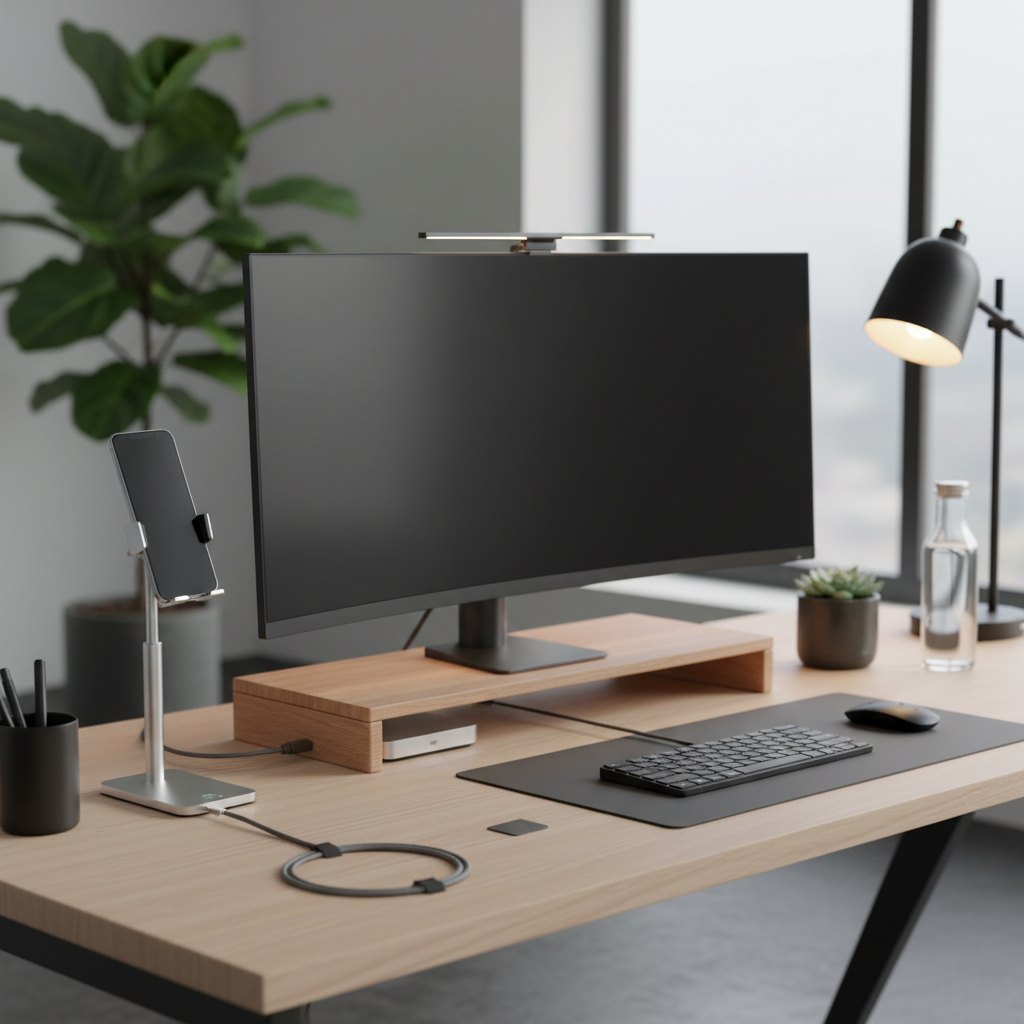
If you’re shopping specifically for the best phone holders for desk use in an office, the “frequent tapping” reality tends to rule out a lot of flimsy options, even if they look sleek.
How to choose: a fast self-check before you buy
Before you click “add to cart,” answer these. It saves you from ending up with a stand that only works in one awkward position.
- Do you tap the screen often? If yes, pick a heavier base or a stable clamp mount.
- Do you charge while it sits? If yes, confirm the stand has a cable gap or choose a wireless charging model.
- Phone size and weight? Pro/Max phones and big Android devices need a wider cradle and sturdier hinge.
- Portrait vs landscape? Landscape matters for video, podcasts, and some accessibility needs.
- Do you use a PopSocket or ring grip? Many cradles won’t sit flush; magnetic options may be easier.
- Desk material? Glass and glossy surfaces can reduce grip; look for silicone feet or clamp-based designs.
Practical setup tips: make any stand work better
A lot of frustration isn’t the stand, it’s placement. Small changes can improve comfort and reduce distraction.
- Put it near your primary screen, not down by your mouse, so your eyes move sideways instead of down.
- Aim for a “glance angle”: typically 30–45 degrees tilt works well, but adjust to reduce neck bend.
- Route the charging cable behind the stand or along a monitor riser to avoid snagging and desk clutter.
- If the stand slides, add a thin desk mat or grippy pad under it rather than overtightening hinges.
According to Apple’s iPhone safety guidance, keeping devices within comfortable viewing distance and taking breaks can help reduce strain during extended use. If you notice persistent discomfort, consider ergonomic adjustments and consult a professional.
Common mistakes (the stuff that makes people hate their purchase)
Most returns happen for predictable reasons, and they’re easy to avoid once you know what to look for.
- Buying for looks, ignoring hinge quality: a pretty stand with a weak hinge turns into a slow head-tilt machine.
- Assuming “universal” means universal: thick cases, camera bumps, and grip accessories change fit.
- Overpaying for features you won’t use: if you never charge at your desk, a charging stand may add heat and bulk without benefit.
- Choosing a clamp mount for heavy tapping: goosenecks can bounce, which gets old fast when you type on the phone.
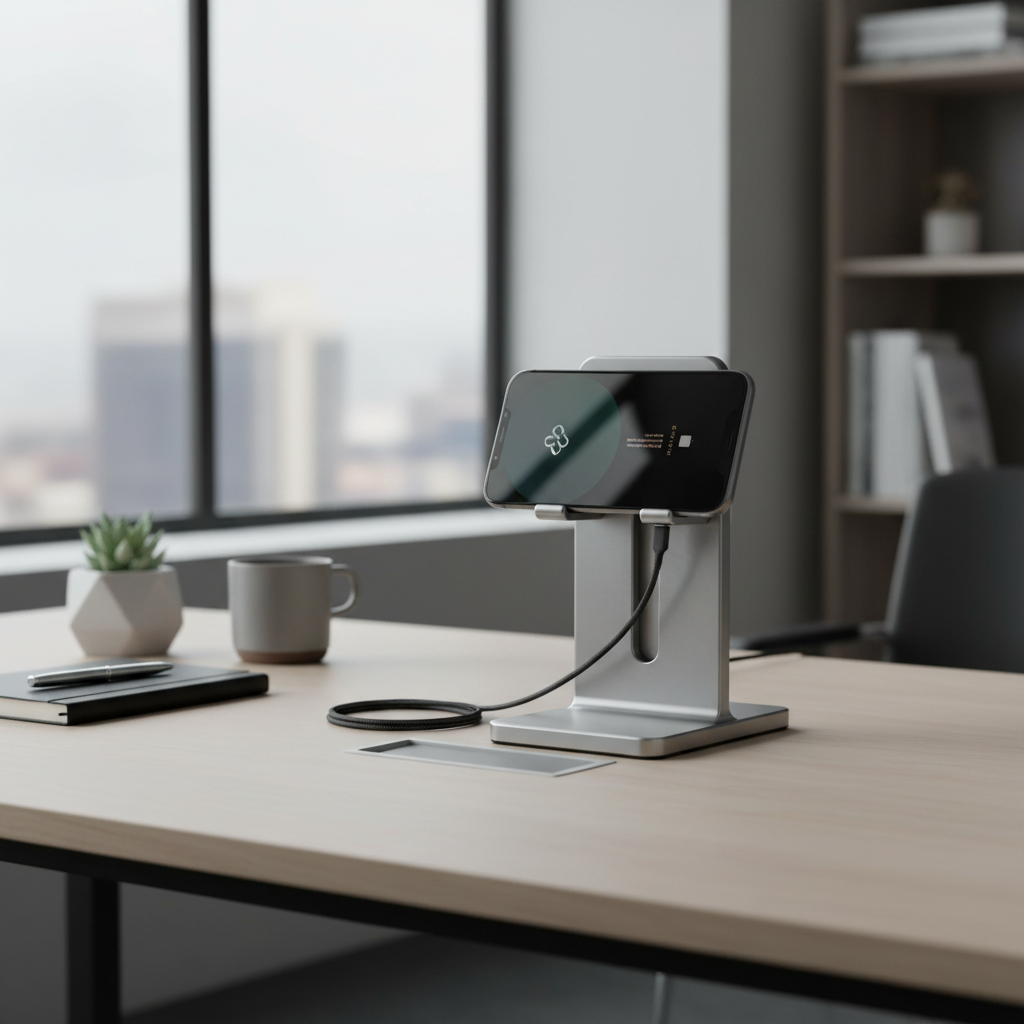
One more thing people don’t expect: if you want the best phone holders for desk use for typing long messages, a stand with a wider base and lower center of gravity usually feels calmer than a tall, narrow design.
When it’s worth getting specialized help (ergonomics, accessibility, safety)
If you’re dealing with ongoing neck, shoulder, or wrist discomfort, a phone holder might help, but it might not be the whole fix. In many cases, monitor height, chair setup, and keyboard placement matter more.
- Ergonomics consult: helpful if discomfort lasts more than a couple weeks, or you’re adjusting multiple devices (laptop + monitor + phone).
- Accessibility needs: if you rely on voice control, magnification, or specific viewing angles, prioritize a holder with wider adjustment range.
- Workplace safety constraints: some offices restrict clamp mounts on glass partitions or shared desks, check policies if needed.
Conclusion: picking the right desk phone holder without overthinking it
If you want the simplest win, choose a stable adjustable stand with a weighted base and a clean cable cutout, it fits most office routines and feels solid during daily tapping. If you care more about quick docking or a super clean footprint, magnetic mounts can be great, as long as your phone and case play nicely with magnets.
Key takeaways: buy for stability first, match the holder to how you use your phone during work, and place it near your main screen so you glance instead of hunch. If you do just those three, you’ll usually end up with one of the best phone holders for desk setups for your space.
If you want a quick next step, measure the spot where the stand will live, then pick a holder type from the table above and check hinge stability and charging clearance before you purchase.