
Best desk mats for office and gaming usually come down to three things you feel every day: how your mouse tracks, how your wrists rest, and how much your desk stays protected from scratches, spills, and heat.
A lot of people buy a desk mat like it’s just “a big mousepad,” then get annoyed when edges curl, the mat smells, or the surface drags during fast swipes. The good news is you can avoid most of that by matching the mat’s material and size to your setup.
This guide keeps it practical: what matters, what doesn’t, quick ways to self-check your needs, and a simple shortlist you can use when you shop.
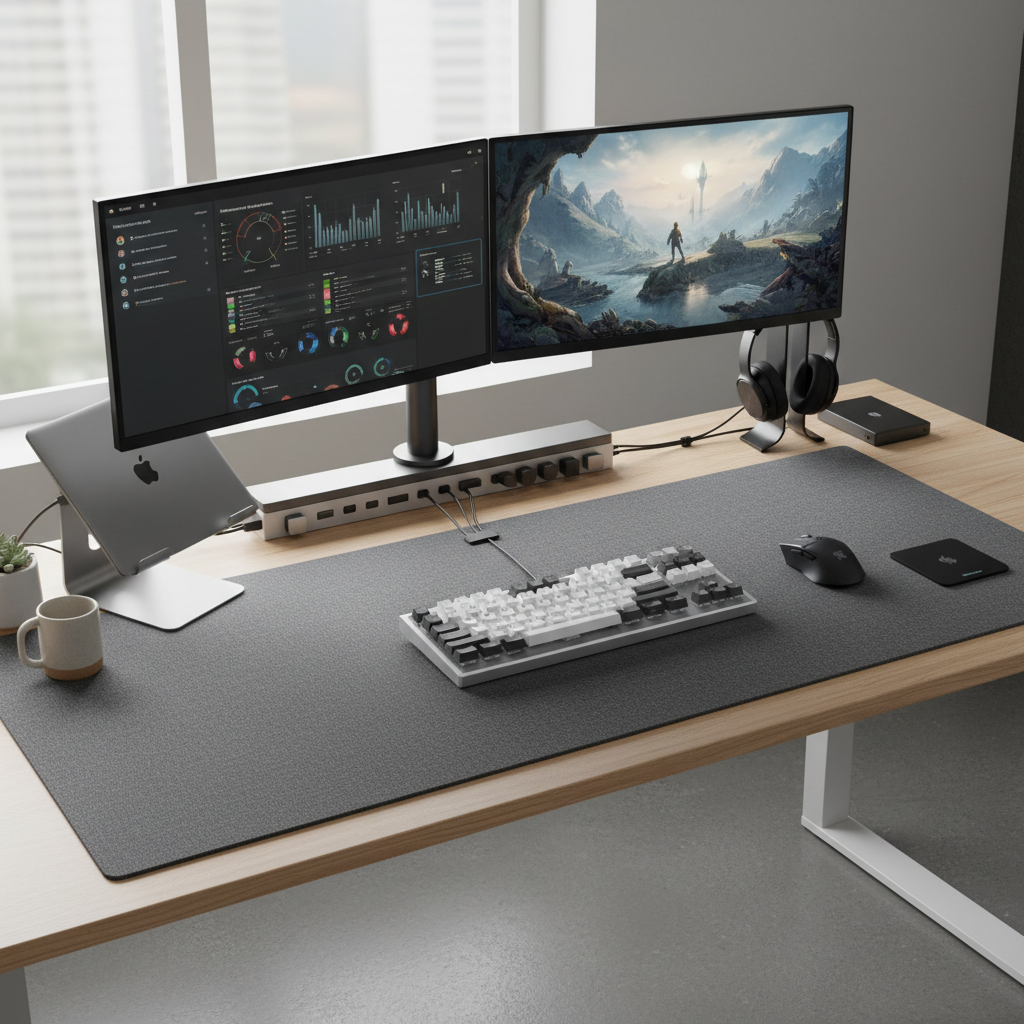
What makes a desk mat “good” for both office and gaming
You’re trying to balance two different vibes: office work wants comfort, stability, and easy cleaning, while gaming cares about consistent glide and control. The overlap exists, but only if you pick the right surface and base.
- Surface feel: “Speed” surfaces glide fast, “control” surfaces add friction for precision. Many hybrid cloth tops sit in the middle and work for both.
- Base grip: Natural rubber bases usually stay planted better than cheap foam, especially on laminate desks.
- Edge finishing: Stitched edges reduce fraying, but thick stitching can sometimes rub your forearm if you sit low.
- Spill resistance: Water-resistant coatings help with coffee mishaps, but they can change glide and wear unevenly over time.
According to OSHA, keeping wrists in a neutral position and maintaining comfortable reach zones can help reduce musculoskeletal strain in computer work, so comfort and placement are not just “nice to have” if you type all day.
Materials & surfaces: the real trade-offs (cloth, leatherette, felt, hard top)
Material is where most regrets start. What feels premium in a product photo can feel sticky, noisy, or fussy in real use.
Cloth (most popular for mixed use)
Cloth desk mats are a safe default for best desk mats for office and gaming because they’re quiet, forgiving, and generally consistent across mouse sensors. Look for dense weave and a base that doesn’t shift.
- Pros: balanced glide/control, quiet, comfortable underarms
- Cons: can hold dust/oils, needs occasional cleaning
Leather / leatherette (office-friendly, not always gamer-friendly)
These look sharp and wipe clean fast. But for gaming, some finishes create inconsistent glide, especially if your hand sweats or you use a heavier mouse.
- Pros: easy to wipe, premium look, good for writing
- Cons: can feel tacky, mouse glide may vary, edges may curl with heat
Felt / wool blends (cozy, but niche)
Felt looks minimal and feels warm, yet it can slow mice noticeably. If you game casually and prioritize aesthetic, it can still work.
- Pros: soft feel, quiet, clean visual style
- Cons: higher drag, stains easier, not ideal for flick-heavy shooters
Hard top (fast, precise, but louder)
Hard mats can be fantastic for speed and micro-adjustments, but they amplify mouse noise and feel less comfy for long typing sessions unless you use a wrist rest.
- Pros: very consistent tracking, easy to clean
- Cons: louder, colder feel, can wear skates faster
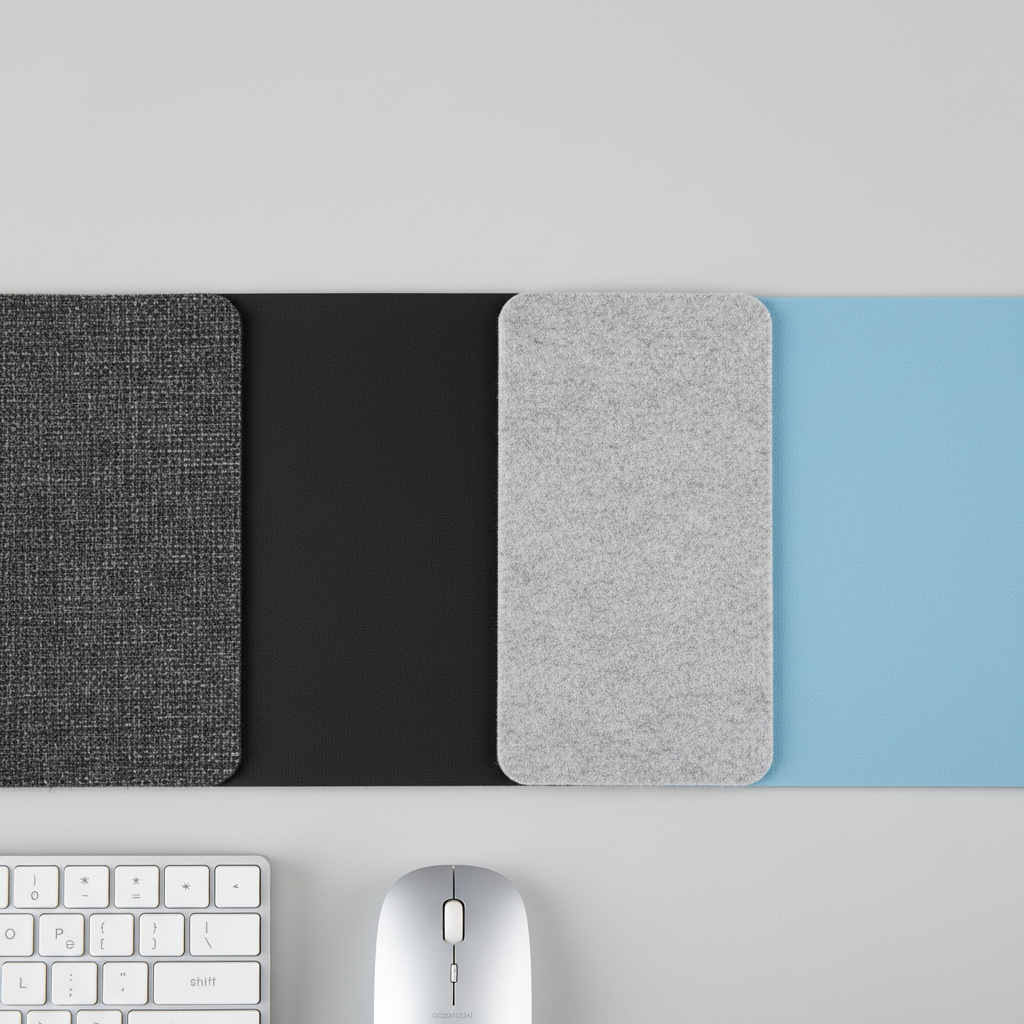
Quick self-check: which desk mat type fits your setup?
If you’re stuck between “looks nice for work” and “performs in game,” answer these quickly. Your answers usually point to a clear category.
- You play FPS/MOBA regularly: choose a quality cloth hybrid or hard top, prioritize consistent tracking.
- You type 6+ hours/day: prioritize comfort and grip, avoid scratchy stitching where your forearms rest.
- Your desk is glossy or slippery: strong rubber base matters more than surface marketing terms.
- You spill coffee often: consider water-resistant cloth or leatherette, but accept glide trade-offs.
- You write on paper on your desk: leatherette or a firmer cloth top feels better than thick plush cloth.
- You use low DPI and big arm swipes: go larger than you think, or you’ll “fall off” the mat mid-fight.
Desk mat sizing: simple dimensions that actually work
Size is the easiest win, and it’s where best desk mats for office and gaming often differ from standard mousepads. Most people are happier once the keyboard sits on the mat, not beside it.
| Size class | Typical use | Good for | Watch-outs |
|---|---|---|---|
| Medium (about 24–28 in wide) | Mouse + some keyboard space | Smaller desks, laptop setups | May feel tight for low DPI |
| Large/XL (about 31–36 in wide) | Keyboard + mouse fully on mat | Most mixed office/gaming desks | Check desk depth for monitor stand |
| XXL (about 40–48 in wide) | Covers most of desk width | Ultra-wide setups, lots of peripherals | More cleaning, can trap heat under laptops |
Practical tip: measure the usable area between your monitor stand legs and your chair armrests. That’s the real limit, not the desk’s full width.
Buying checklist: what to look for (and what to ignore)
Product pages love buzzwords. Your hands care about boring details: flatness, smell, stitching, and grip.
- Flat out of the box: if reviews mention curling, expect annoyance.
- Low odor materials: strong chemical smell often fades, but it’s a common complaint with cheaper rubber.
- Stitching level: tight stitching lasts longer; oversized raised stitching can irritate your forearm.
- Thickness (about 3–5 mm): thick enough to smooth minor desk texture, not so thick it feels spongy.
- Easy cleaning: you want something you’ll actually maintain, not something that requires “special care.”
What to ignore most of the time: extreme claims like “guaranteed aim improvement” or “military-grade” anything. For most setups, consistency beats hype.
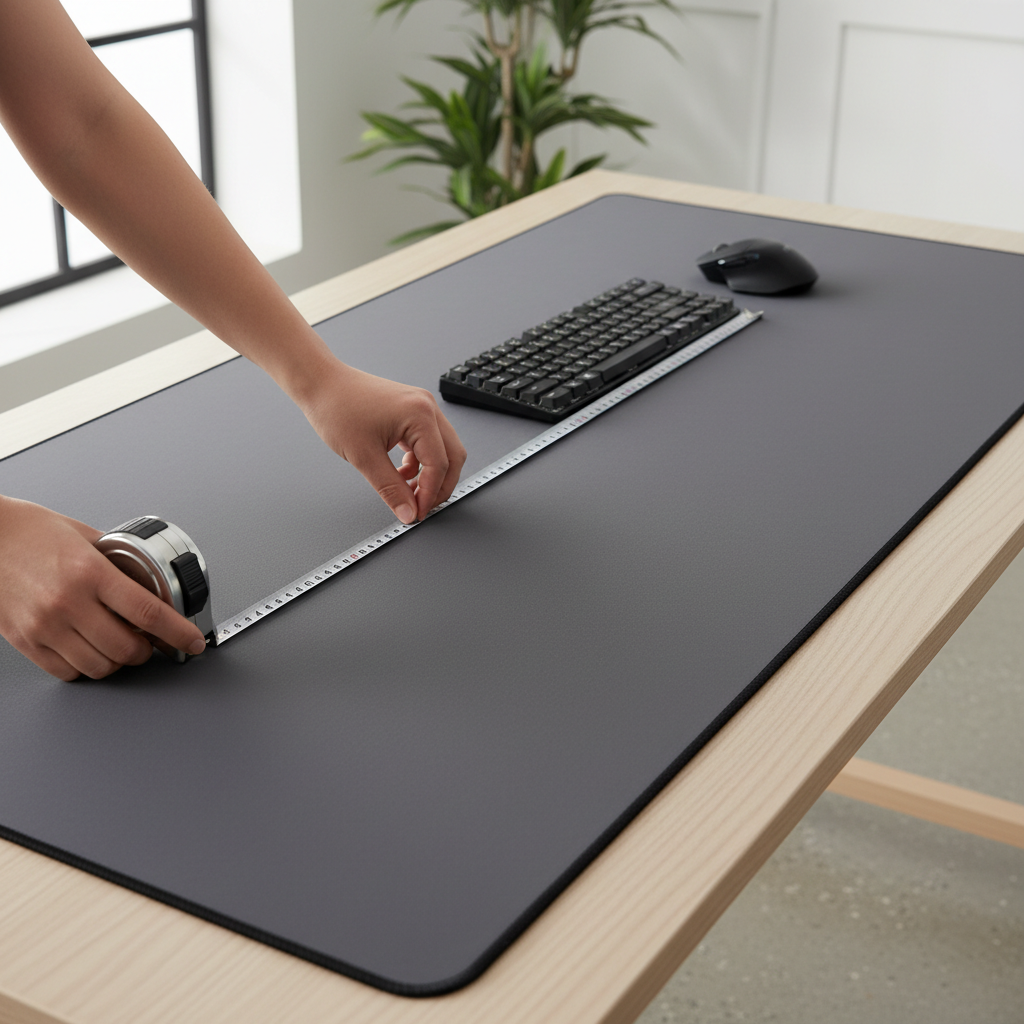
Setup tips: getting the most from a desk mat in 10 minutes
Even a great mat feels wrong if it’s placed poorly or the surface is dirty. This is the quick “do it once, enjoy it daily” routine.
- Clean the desk first: dust under the mat creates tiny bumps that mess with tracking.
- Let the mat relax: if it arrives rolled, lay it flat overnight with books on corners.
- Align your keyboard center: many people angle the keyboard and strain wrists without noticing.
- Check mouse sensor behavior: if tracking feels off, try a different polling rate or lift-off distance setting, then reassess the surface.
- Consider wrist support: if wrist pain shows up, a separate wrist rest might help, but if discomfort persists, it’s smart to consult a healthcare professional.
Common mistakes (that waste money fast)
A desk mat is simple, but it’s easy to buy the wrong “kind of simple.” These are the issues that show up in real offices and gaming rooms.
- Going too small: you end up with half your forearm on bare desk, half on mat, which feels oddly tiring.
- Choosing looks over grip: pretty leatherette that slides around becomes a daily annoyance.
- Ignoring cleaning reality: bright cloth tops look great, then turn gray near the WASD area if you never wash them.
- Assuming one surface fits every game: speed vs control is personal; if you change genres, your preference might shift.
Conclusion: a simple way to choose without overthinking
If you want the best desk mats for office and gaming, start with an XL cloth mat from a reputable brand, dense weave, solid rubber base, and stitching that won’t bug your forearm. That combination fits most people, most desks, and most games without drama.
If your priority is a polished office look and quick wipe-downs, leatherette can be a good move, just be picky about reviews that mention glide consistency. If you’re competitive in fast shooters, a quality cloth “control” or hybrid surface often feels more predictable.
Next step: measure your usable width, decide whether you want more speed or more control, then shop with the checklist above so you’re not gambling on photos.