
Best wireless chargers for android usually come down to three things people don’t expect: your phone’s supported wattage, the charger’s coil alignment, and whether your power adapter can actually feed it.
If you’ve dealt with a charger that works “sometimes,” charges hot, or barely moves the battery overnight, it’s rarely your imagination. Wireless charging is convenient, but it’s picky about placement, cases, and power profiles, especially across different Android brands.
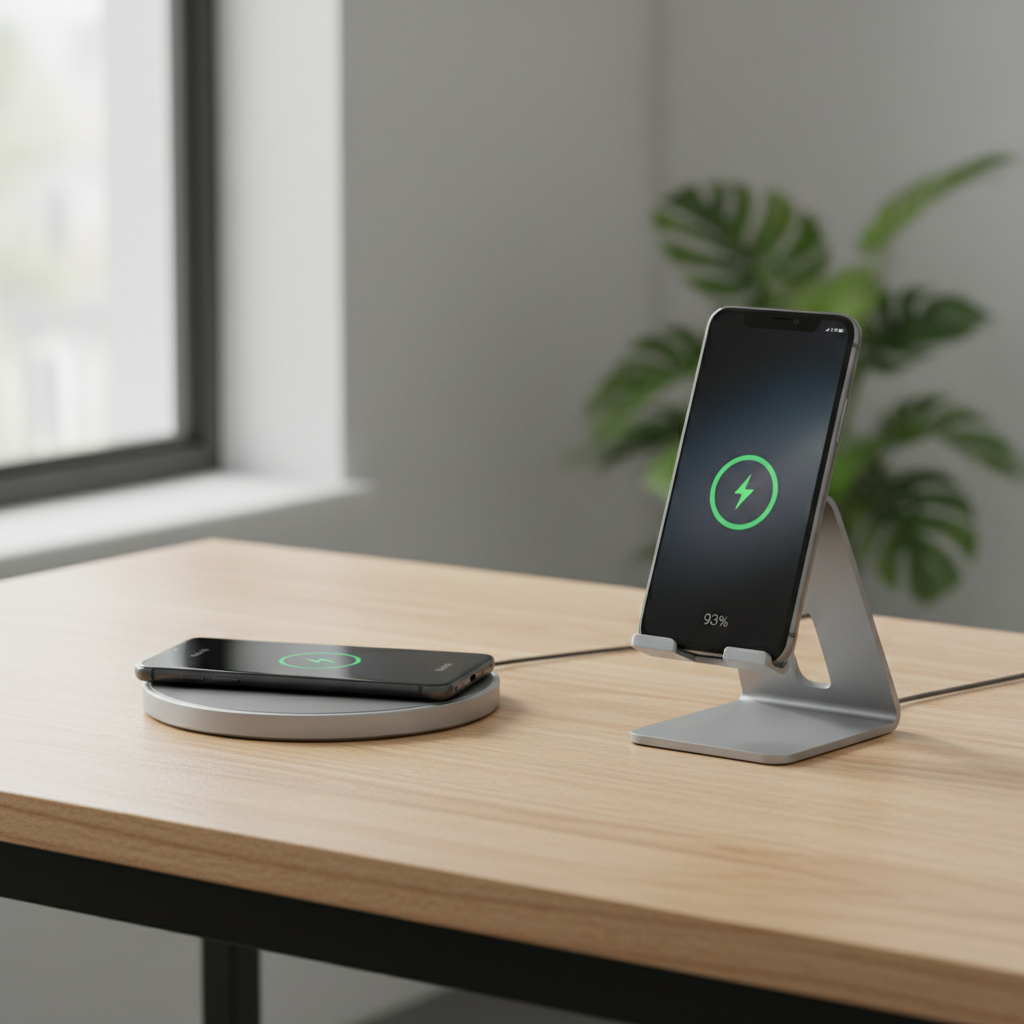
This guide narrows the choices to practical categories, shows what to check on your phone, and gives a short list of what tends to work well for most Android users in the U.S., without pretending one model fits everyone.
Quick picks: which type of wireless charger fits your day?
Before brands and specs, decide how you actually charge. Most disappointments happen when someone buys the “fastest” pad, then uses it like a nightstand stand, or expects a stand to work through a thick case.
- Nightstand: a stand is easier to align half-asleep, and you can glance at the clock.
- Desk: a stand for video calls, or a flat pad if you pick up your phone constantly.
- Travel: a slim pad, ideally with a grippy surface and USB-C input.
- Multi-device: a dual pad for phone + earbuds, or a larger mat if you rotate devices.
How wireless charging speed really works on Android
Wireless charging speed on Android is not universal. Even if a charger claims 15W, your phone may pull 10W, 7.5W, or less depending on its Qi profile, temperature, and alignment.
According to the Wireless Power Consortium (WPC), Qi is the global wireless charging standard, but manufacturers can still implement different “fast” modes and handshake behavior. Translation: Qi compatibility usually means it will charge, not that it will charge at the advertised maximum.
What commonly limits speed in real use:
- Phone support: many Android phones top out around 10W on generic Qi pads, even if they charge faster on a brand-specific system.
- Power adapter mismatch: using an old 5W USB-A brick can force a charger into a slow mode.
- Heat management: warmth triggers throttling; it may start fast, then crawl.
- Case thickness and magnets: thick cases and metal attachments can reduce efficiency or cause interruptions.
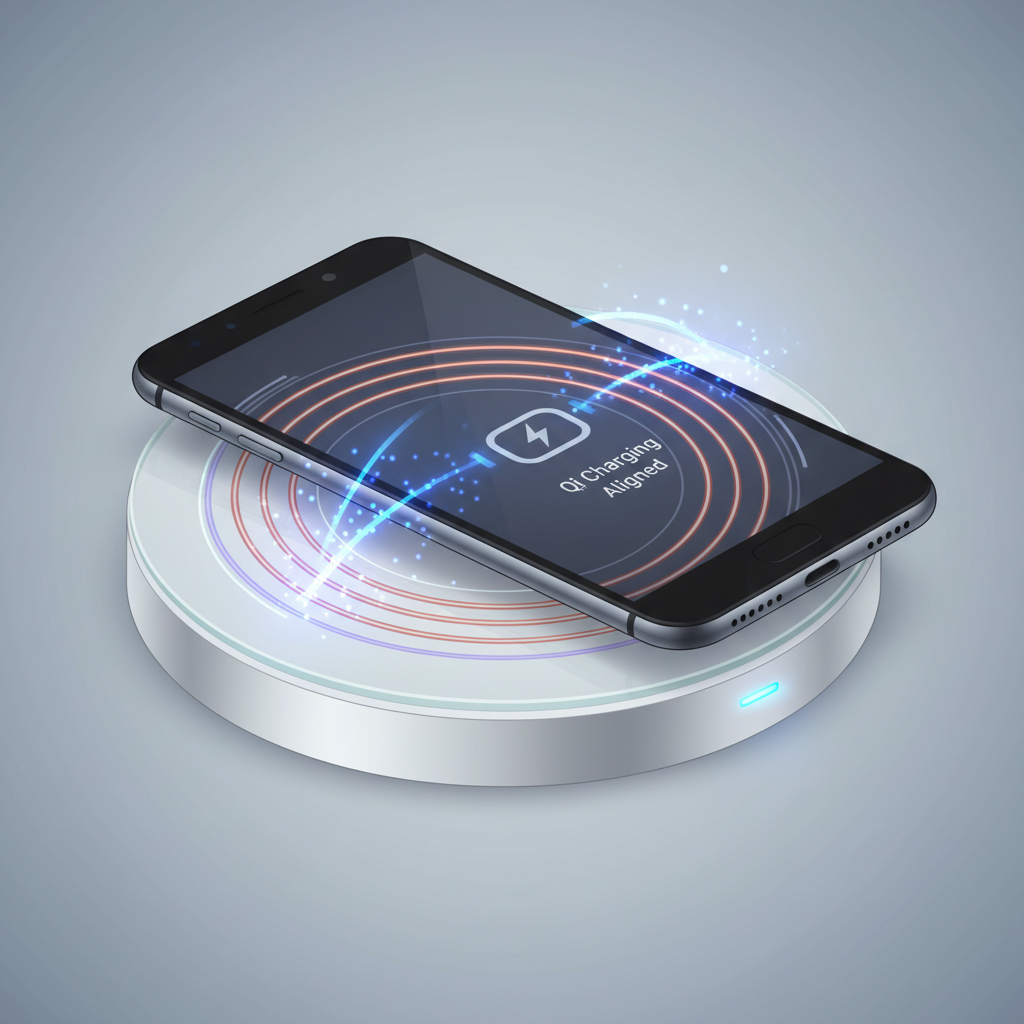
If you want a simple rule that holds up: the “best wireless chargers for android” are the ones that stay aligned easily and stay cool under your typical case and adapter.
Buyer checklist: what to verify before you buy
These checks take two minutes and save you the classic “why is this so slow?” moment.
- Does your phone support Qi? Most modern Android flagships do; some budget models don’t.
- Max wireless wattage (realistic): look for your phone’s wireless charging spec in the manufacturer’s support pages.
- Adapter requirement: many 10–15W chargers need a QC/PD adapter; “charger not included” is common.
- Case compatibility: if your case is thick, pick a stronger pad/stand and expect slower speeds.
- Coil design: multi-coil stands reduce fussiness; single-coil pads can be finicky.
- USB-C input: more future-proof, and usually easier with modern PD adapters.
- Safety basics: temperature control, foreign object detection, and reputable certification notes.
Comparison table: common wireless charger categories (and who they suit)
Instead of pretending one product wins for everyone, this table covers what you’re actually choosing between.
| Type | Best for | Typical pros | Common trade-offs |
|---|---|---|---|
| Flat pad (10–15W Qi) | Desk, casual top-ups | Simple, compact, often cheaper | More sensitive to placement, can be slower through thick cases |
| Charging stand | Nightstand, work calls | Easier alignment, glanceable screen | Usually bigger, may not fit odd camera bumps as well |
| Multi-device pad | Phone + earbuds | Reduces cable clutter | Often shares power, may charge each device slower |
| Car wireless charger mount | Navigation commuters | Hands-free + charging in one | Heat from sun + charging can throttle speed |
Recommendations by scenario (what to look for, not just what to buy)
Specific models change quickly, and stock shifts. These recommendations focus on specs and features that tend to stay relevant, so your choice holds up even if you pick a different brand.
1) Best for most people: a 15W Qi pad with strong grip + USB-C input
If your phone supports faster Qi modes, a solid 15W pad is typically the easiest upgrade. Look for a textured or rubberized top so the phone doesn’t “ice skate” off the sweet spot.
- Look for: 15W Qi capability, USB-C input, non-slip surface, LED you can disable.
- Pair with: a reputable 18–30W USB-C PD adapter for stable performance.
2) Best for nightstands: a multi-coil stand with good alignment tolerance
This is where people feel the difference. A stand that’s forgiving about coil placement tends to charge more consistently when you drop the phone on it without thinking.
- Look for: multi-coil design, tilt angle that matches your bed height, weighted base.
- Nice-to-have: quiet cooling or passive heat design, not a tiny loud fan.
3) Best for travel: a slim pad that does not require a proprietary cable
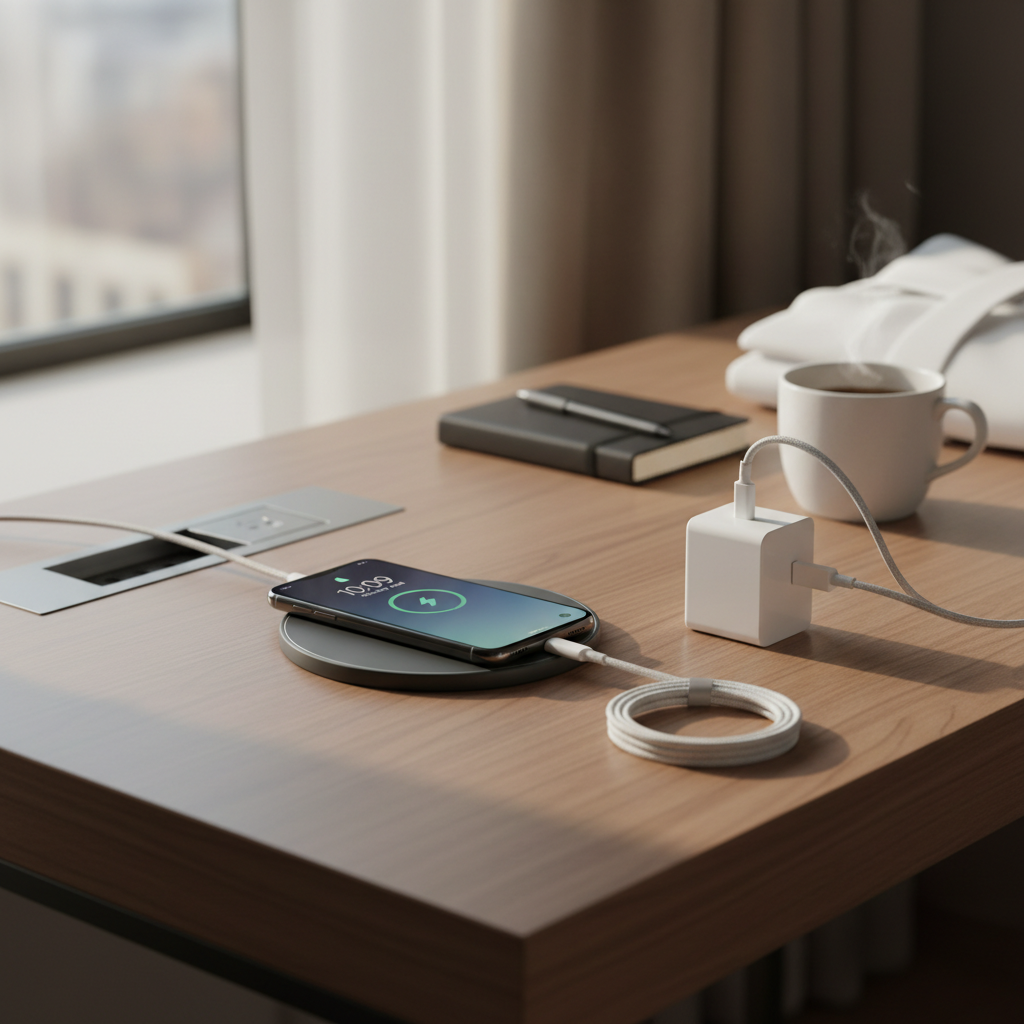
For travel, reliability beats peak wattage. A thin pad with USB-C input and a forgiving surface is usually the least annoying in a hotel room.
- Look for: lightweight build, USB-C input, wide voltage support, durable cable strain relief.
- Avoid: very glossy pads that make alignment feel like trial and error.
4) Best for cars: a ventilated mount + realistic expectations about heat
Car wireless chargers are convenient, but they’re also the easiest place to run hot. If your phone dims the screen or slows charging on sunny days, that’s common behavior.
- Look for: firm clamp, easy one-hand docking, vent mount options, stable power input.
- Tip: use a quality car adapter (USB-C PD or QC) and keep the mount out of direct sun when possible.
Setup tips: get faster, more stable charging in 10 minutes
Most “wireless charging problems” are setup problems. These small tweaks usually matter more than jumping from one charger brand to another.
- Use the right adapter: if your charger recommends PD or QC, match it, otherwise you may get slow mode.
- Center the coil: if charging stops randomly, mark the sweet spot once, then you’ll place it right every time.
- Reduce heat: remove thick cases for overnight charging, and don’t charge under pillows or in tight spaces.
- Check the cable: worn cables cause weird drops; swap it before blaming the pad.
- Turn off always-on display if heat is an issue: it can add a little extra warmth over hours.
According to Apple Support and other major device makers’ guidance on Qi charging behavior, heat and misalignment can reduce charging speed and may interrupt charging; Android devices tend to behave similarly, even if menus differ. If your phone frequently gets hot, it’s reasonable to check the manufacturer’s support steps or ask a qualified technician.
Common mistakes (and what to do instead)
These are the patterns that keep showing up when people think they bought the wrong product.
- Mistake: buying a “15W” charger, using a 5W brick. Do instead: pair it with a PD/QC adapter that matches the charger’s input needs.
- Mistake: thick rugged case + camera bump = unstable contact. Do instead: try a stand with better alignment tolerance, or charge case-off at night.
- Mistake: expecting wireless to beat wired charging. Do instead: treat wireless as convenience; use wired when you truly need speed.
- Mistake: leaving coins or metal accessories near the pad. Do instead: keep the surface clear; foreign object detection helps, but it’s not perfect.
Conclusion: how to choose with confidence
If you want the safest bet, pick a reputable Qi charger style that matches your routine, then make sure your adapter and case aren’t sabotaging it. For many people, a sturdy stand at home plus a slim pad for travel covers 90% of use.
Key takeaways:
- Compatibility beats headline watts, because Android wireless speeds vary by model.
- Alignment and heat are the two silent performance killers.
- A good adapter matters almost as much as the charger itself.
If you’re picking today, start by checking your phone’s max wireless spec and your current wall adapter, then choose the charger form factor you’ll actually use every day.
FAQ
What are the best wireless chargers for android if I use a thick case?
Look for a stand or pad known for stronger alignment tolerance and stable coils, and keep expectations realistic on speed. Many thick cases still work, but charging may run warmer and slow down over time.
Why does my wireless charger say “fast,” but my Android charges slowly?
Usually it’s a mismatch between the charger’s advertised maximum and what your phone negotiates on Qi, or you’re using an underpowered adapter. Heat and slight misalignment can also quietly drop the wattage.
Do I need a special wall adapter for a 15W Qi charger?
Often, yes. Many 15W-capable chargers expect a QC or USB-C PD adapter to reach higher speeds. If the box doesn’t include one, check the input requirement on the product page before buying.
Is wireless charging safe for my Android battery?
In many cases it’s safe for normal use, but heat is the main concern. If your phone routinely gets hot while charging, consider a slower mode, a better-ventilated setup, or asking the manufacturer’s support team for guidance.
Why does wireless charging stop when I get a notification or pick up the phone?
Small movements can shift coil alignment, especially on single-coil pads. A stand with better alignment tolerance, or simply repositioning the phone to the sweet spot, usually fixes it.
Are “MagSafe-style” magnetic wireless chargers good for Android?
Some Android phones and cases support magnetic alignment systems, but compatibility varies a lot. If your phone doesn’t have magnets built in, you may need a compatible case or ring, and even then speeds may be limited by Qi profiles.
Should I buy a multi-device wireless charging station?
If you charge earbuds daily, it can reduce clutter. Just watch for shared power behavior, some stations slow down when multiple devices charge at once, which is fine overnight but annoying at a desk.
If you’re trying to choose between a pad and a stand and want a more “set it and forget it” setup, it usually helps to start from your phone model, your case thickness, and the adapter you already own, then narrow to a few Qi chargers that match those constraints instead of chasing the highest watt number.