
Tech review shopping in 2026 feels weirdly harder than it should, not because there aren’t good products, but because “new” often means minor refreshes, subscription hooks, and AI features you may not use.
If you want to spend smarter, you need a simple filter, what improves daily life, what reduces friction, and what mainly looks good on a spec sheet. That’s what this guide is for, a grounded read across categories, with buy signals, skip signals, and a few rules that keep you out of upgrade regret.

I’m also going to call out the quiet traps, trade-in math that doesn’t pencil out, “AI” that’s really a paywall, and devices that ship with great hardware but weak long-term support. You’ll see some opinions here, but they’re meant to help you decide, not to sell you on one brand.
What changed in 2026, and why reviews matter more now
A lot of technology reviews still focus on peak performance, but most people live in the middle, messaging, photos, meetings, streaming, and a bit of gaming. In 2026, the gap between marketing and real value often shows up in three places, software support, repairability, and “feature rent.”
- Longer ownership cycles: phones and laptops are fast enough, people keep them longer, so updates and battery replacement matter more than benchmarks.
- Subscription drift: some features ship “included,” then migrate into paid tiers later, especially AI tools and cloud sync.
- Smarter homes, messier ecosystems: smart home gear can be great, but mixed brands can still create flaky reliability.
According to Consumer Reports..., reliability and owner satisfaction tend to be more predictive than a feature checklist when you’re buying for multiple years. That’s the mindset behind the rest of this tech review, buy what stays useful, skip what depends on hype staying hot.
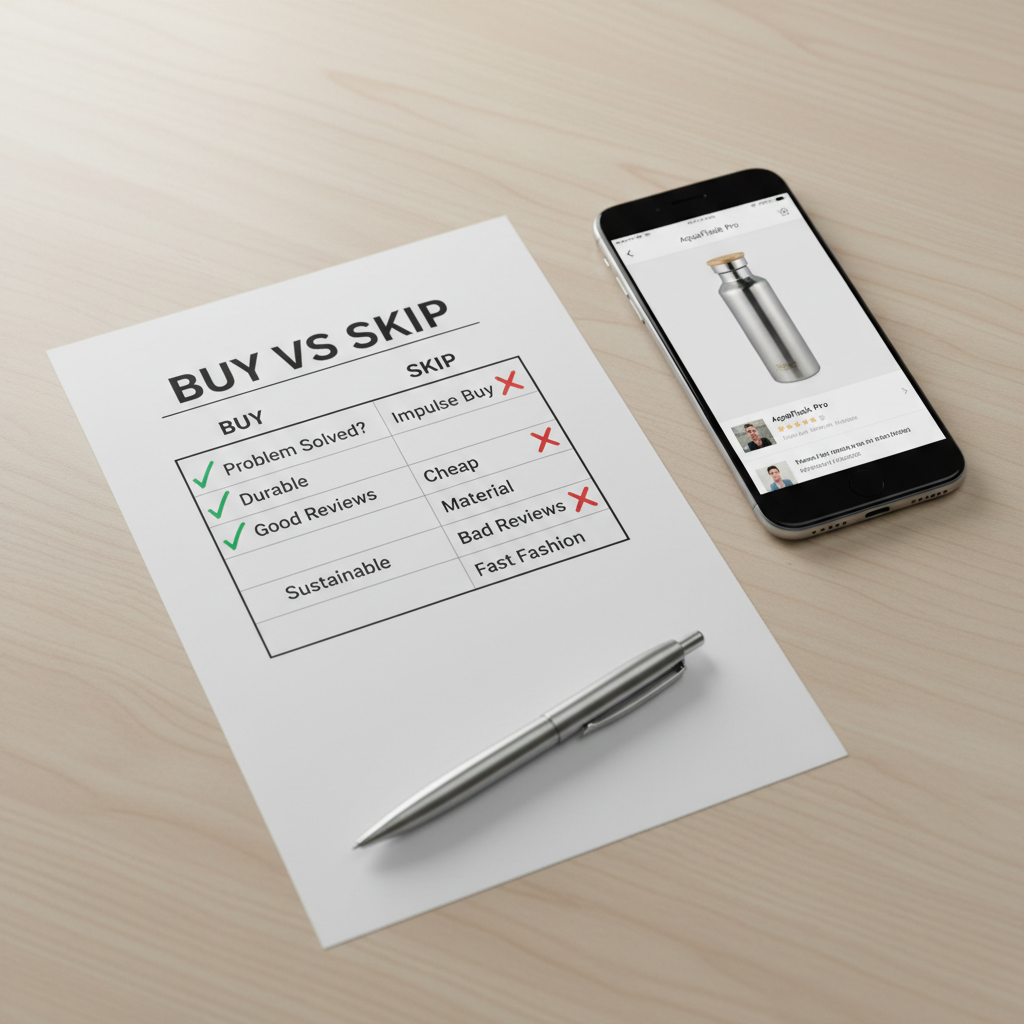
A quick “buy vs skip” scorecard you can use in any category
Before jumping into gadget reviews by category, run this quick scorecard. If a product fails two or more checks, it’s usually a skip unless you have a very specific need.
- Support runway: will it get security updates and bug fixes for years, or does the brand have a short attention span?
- Repair reality: can you replace battery, screens, or common parts at a reasonable cost?
- Offline usefulness: do core features work without a paid plan or constant internet?
- Interoperability: does it play well with what you already own?
- Return friction: is the return policy clear, and is setup reversible if you dislike it?
If you prefer a more concrete view, here’s a table you can screenshot and reuse.
| Category | Worth buying when... | Usually skip when... |
|---|---|---|
| Smartphones | Battery life, camera consistency, long update policy | Minor refresh, AI locked behind paid tier |
| Laptops | Quiet thermals, good keyboard, easy service options | Thin-and-hot design, soldered storage with tiny base |
| Wearables | Comfort, accurate basics, clear privacy controls | Health claims that read like marketing medicine |
| Smart home | Local control, stable standards support | Cloud-only automation, frequent disconnects |
| Audio | Fit, tuning, reliable multipoint | “Hi-res” badges with mediocre real-world sound |
| Gaming | Good cooling, stable drivers, fair pricing | Paying a premium for tiny FPS gains |
Smartphone reviews: what’s actually worth upgrading for
Smartphone reviews in 2026 can make every new model look essential, but most upgrades feel “real” only when they fix a daily irritation. If your phone still lasts a full day and takes photos you like, you’re already in the safe zone.
Worth buying in 2026 if you want a noticeable change
- Battery and charging improvements that reduce anxiety, not just faster peak watts.
- Camera consistency, especially better low light and less motion blur, not only a higher megapixel number.
- Long update policy and a good track record of delivering it.
- Connectivity stability if you rely on hotspot, travel, or weak-signal areas.
What to skip (unless you’re chasing a niche feature)
- Minor CPU bumps that don’t change your day.
- “AI” photo tools that require account sign-in and then upsell a subscription.
- Ultra-thin designs that trade battery size for looks.
One more practical angle, if your current device needs a battery replacement and you otherwise like it, compare that cost to the true upgrade cost after trade-in. That comparison is where a lot of “deal” pricing falls apart.
Laptop reviews: spend on comfort and longevity, not bragging rights
Laptop reviews often over-index on peak performance, but the laptop you love is usually the one that stays cool, lasts through meetings, and doesn’t punish you with fan noise. In 2026, the best value tends to sit in the “not quite flagship” tier.
Worth buying
- 16GB+ memory for mainstream use, especially if you keep many browser tabs and apps open.
- Solid screen choices, good brightness and color, because you stare at it all day.
- Comfort inputs, keyboard feel, trackpad reliability, webcam quality for work calls.
- Serviceable design when possible, or at least a brand known for fair repair options.
Usually not worth paying extra for
- Top-tier GPU power if you don’t edit video, do 3D work, or game heavily.
- Extremely thin chassis that runs hot under normal use.
- Base storage so small you immediately need external drives.
According to Apple Support..., battery health and proper charging habits can affect long-term capacity. Translation, if a laptop has mediocre battery management or runs hot, it tends to “age” faster in real life.
Wearable device reviews: health features are helpful, but don’t let them overpromise
Wearable device reviews can get tricky because marketing language sounds medical. For most people, the real win is consistency, comfortable tracking, a device you’ll actually wear, and clear privacy controls.
- Worth buying: comfortable fit, reliable heart rate during workouts, readable notifications, and strong battery life.
- Be cautious: stress scores, recovery scores, and any “diagnosis-like” claims, these may vary by person and aren’t a substitute for clinical advice.
- Privacy check: look for transparent options to limit data sharing and delete your data.
If you’re using wearables for a health concern, it’s usually smarter to treat the device as a trend tool, not a verdict. If readings worry you, discuss them with a qualified clinician.

Smart home product reviews: buy fewer devices, but buy the right ones
Smart home product reviews often assume you want an entire ecosystem. Most households do better starting with one pain point, then expanding slowly, because each added device increases complexity.
Worth buying
- Local control options so basic automations still work if the internet hiccups.
- Clear standards support and strong compatibility with your existing phone platform.
- Simple automations you can explain in one sentence, “lights off at midnight,” “thermostat down when we leave.”
Skip signals
- Cloud-only devices where core features require an account and constant connection.
- Brands with confusing app experiences and frequent disconnect complaints.
- Security devices with vague update promises.
According to NIST..., basic cyber hygiene includes keeping software updated and using strong authentication. For smart home gear, that translates into choosing devices that actually receive updates and letting you use secure logins.
Audio equipment reviews and gaming hardware reviews: where the “mid-tier” sweet spot lives
Audio equipment reviews and gaming hardware reviews share a pattern, premium products can be amazing, but diminishing returns hit fast. In 2026, a lot of buyers are happier picking a well-rounded mid-tier option and spending the savings on accessories or games.
Audio: what’s worth it
- Comfort and fit for headphones and earbuds, because that’s your “sound quality multiplier.”
- Stable connection and reliable multipoint if you switch between phone and laptop.
- Practical tuning that sounds good across podcasts, music, and calls.
Gaming: what’s worth it
- Cooling and noise over tiny FPS gains, especially for compact PCs and laptops.
- Driver stability and support cadence, because performance on day one isn’t the whole story.
- Monitor upgrades if your current display is old, refresh rate and response improvements can feel bigger than a GPU jump.
Avoid paying extra for specs you won’t notice. Many people feel the difference from better ergonomics and quieter gear more than an extra 8% performance.
Software app reviews: don’t buy features, buy habits
Software app reviews are where “worth buying” becomes personal. The best app is the one you keep using after the novelty fades, and the worst is the one that quietly charges you every month because canceling is annoying.
- Worth buying: apps that save time weekly, reduce errors, or replace two tools you currently juggle.
- Check: export options, if you ever leave, can you take your data with you?
- Watch out: aggressive free trials that auto-convert without clear reminders.
According to FTC..., companies must follow rules around negative option marketing, meaning clear disclosure and consent for recurring charges. In practice, you should still set a calendar reminder for trial end dates, it’s the simplest safety net.
Practical buying plan: a 30-minute process that prevents regret
If you want a repeatable approach to consumer electronics reviews, use this short process before checkout. It’s boring, and it works.
- Write your top 3 “annoyances” with your current device, real issues, not “it’s old.”
- Pick 2 must-haves and 2 deal-breakers, keep it tight.
- Read the 3-star reviews, not just the 5-star and 1-star extremes, patterns matter more than drama.
- Confirm support, warranty length, update policy, and repair options in plain language.
- Compare total cost, accessories, subscriptions, extended warranty, and trade-in reality.
Key takeaways: buy for support and comfort, treat AI features as a bonus unless you’ve tested the workflow, and prefer ecosystems that reduce friction rather than adding another app to babysit.
Conclusion: what’s worth buying (and what to skip) in 2026
The products worth buying in 2026 are the ones that stay useful after the unboxing, solid updates, dependable basics, and fewer hidden strings. The ones worth skipping tend to be “spec wins” with short support, cloud dependence, or features you rent forever.
If you do one thing today, pick one category you’re most likely to upgrade, then use the scorecard and table above to narrow to two finalists, after that, you’re shopping with intention, not momentum.