
The best usb c cables for fast charging are the ones that match your charger’s wattage, your device’s power needs, and the USB-C standard your setup actually uses, not just whatever says “fast” on the packaging.
If you’ve ever watched your phone crawl from 20% to 40% while your friend’s jumps to 70%, the cable is often the quiet culprit, especially once you add a high-watt charger, a power bank, or a USB-C laptop into the mix.
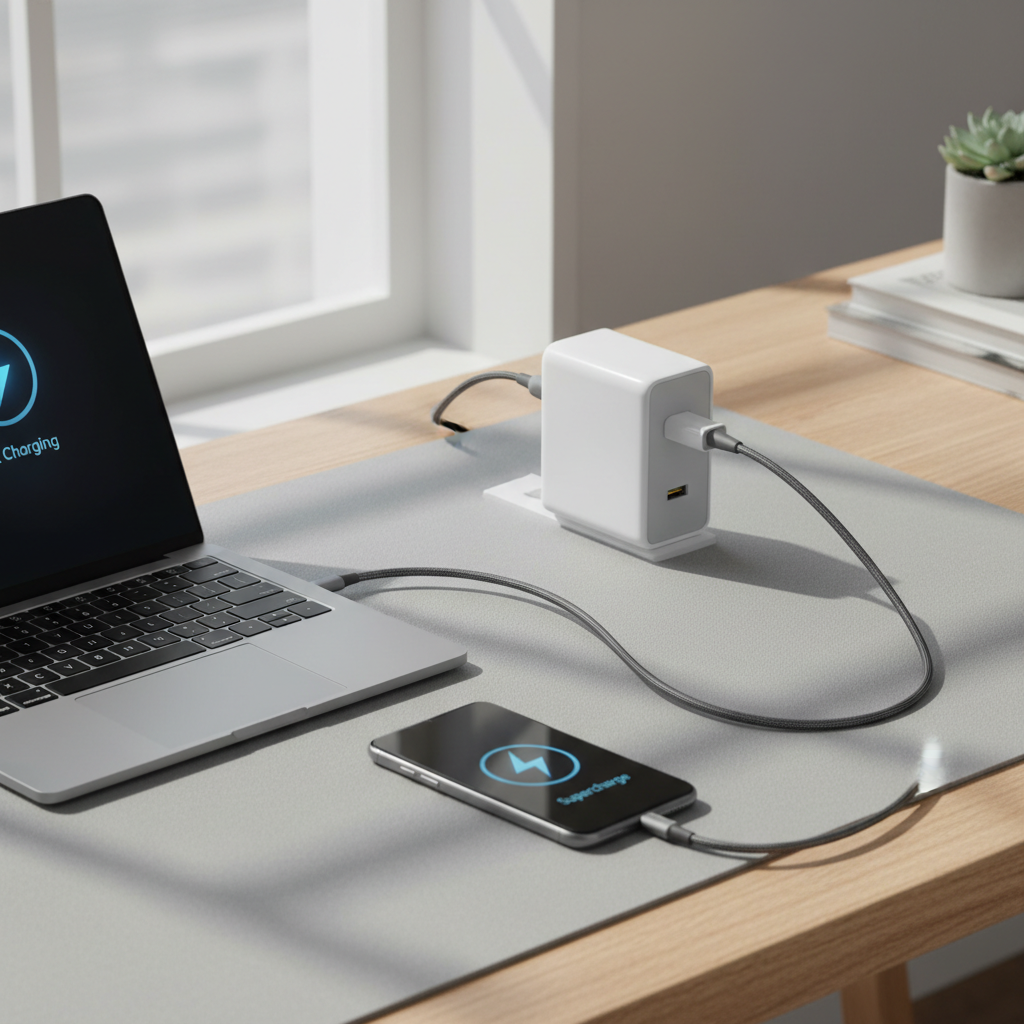
This guide focuses on what to buy in 2026 and how to avoid the common traps: under-rated cables, misleading labels, and “works on my phone” recommendations that fall apart when you switch devices.
What “fast charging” means in 2026 (and why cables still matter)
Fast charging is mostly about power delivery: how many watts can move safely from charger to device. The cable sits in the middle, and if it can’t handle the current, you won’t get top speed even with a great charger.
According to USB-IF (the group behind the USB standard), USB-C cables can support different power and data capabilities depending on how they’re built and certified. Translation: two USB-C cables can look identical and perform very differently.
- USB-C PD (Power Delivery): the common fast-charging “language” for phones, tablets, laptops.
- Wattage targets: 20–30W (phones), 45–65W (many laptops), 100W+ (bigger laptops/monitors/docks).
- Data vs power: some cables are “charge-first” (USB 2.0 data), others support high-speed USB4/Thunderbolt.
Quick buying criteria: pick the right cable before you pick a “brand”
If you want the best usb c cables for fast charging, start with requirements, not logos. A cable that’s perfect for an iPhone may disappoint on a laptop, and vice versa.
1) Choose the right wattage class
- 60W cables: fine for most phones/tablets and many small laptops, often cheaper and more flexible.
- 100W cables: the safest “one cable for everything” choice for many people.
- 140W/240W (EPR) cables: for newer high-power laptops and some USB-C monitors, but only useful if your charger/device supports it.
2) Decide how much data speed you actually need
- USB 2.0: common on charging cables, fine for charging and basic file transfers.
- USB 3.2: better if you move large files, use hubs, or connect external SSDs.
- USB4 / Thunderbolt: for docks, fast SSDs, external displays, and higher-end workflows.
3) Look for real certification and clear labeling
There’s no magic sticker that guarantees perfection, but reputable listings usually state wattage (60W/100W/240W) and standard support (USB4, Thunderbolt, etc.). When it’s vague, that’s a signal too.
Best USB-C cable picks by scenario (2026 short list)
I’m not going to pretend there’s one universal winner. In practice, people buy cables for a situation: bedside, car, backpack, desk dock, travel pouch. Here are the categories that typically satisfy most US buyers.
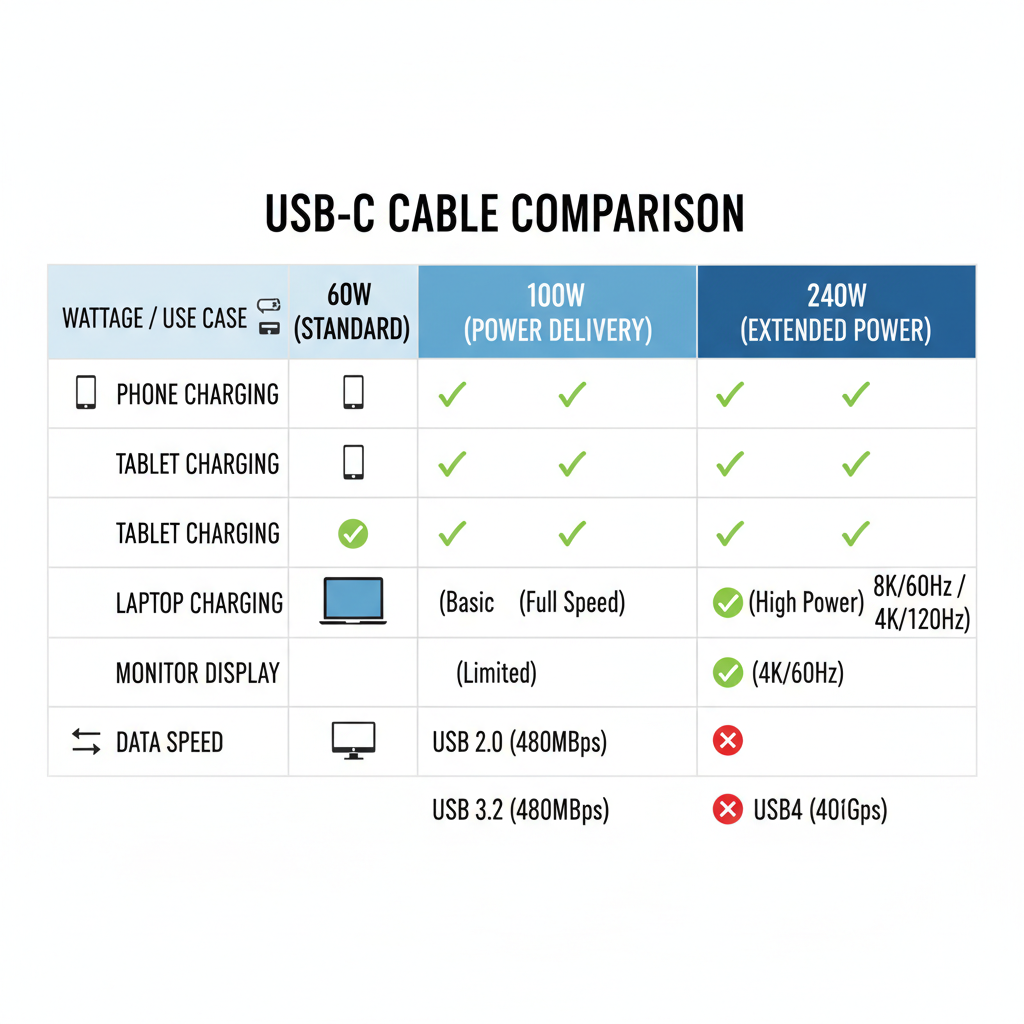
Recommended categories (what to buy)
- Everyday phone cable (3–6 ft): 60W USB-C to USB-C, flexible jacket, strain relief at both ends.
- One-cable-for-most-things: 100W USB-C to USB-C, ideally with an e-marker chip (common for 5A cables).
- Desk + dock + display: USB4/Thunderbolt cable if you run monitors or fast storage through a hub.
- High-power laptop or future-proof: 240W (EPR) USB-C cable, especially if you’ve moved to 140W-class charging.
- Car + travel: shorter 1–3 ft cable to reduce clutter, but still rated for your charger’s output.
At-a-glance comparison table
| Use case | What to buy | Why it works | Watch-outs |
|---|---|---|---|
| Phone fast charging | 60W USB-C to USB-C | Plenty of headroom for most phones | Some “cheap” cables throttle or heat up |
| Tablet + light laptop | 100W USB-C to USB-C | Supports higher current for many laptops | Confirm your charger can deliver 65–100W |
| Dock + external display | USB4/Thunderbolt cable | Handles data + video reliably | Shorter lengths often perform better |
| High-power laptops | 240W (EPR) cable | Ready for newer power profiles | Only helps if device/charger support EPR |
Self-check: why your “fast charger” still feels slow
Before replacing everything, it helps to pinpoint the bottleneck. A cable swap is cheap, but it won’t fix a charger that can’t negotiate higher power, or a phone that limits charge speed to protect battery health.
- Your charger wattage: is it 20W, 30W, 65W, 100W? Many people guess, then shop wrong.
- Your device limits: phones often peak only under certain battery levels and temperatures.
- Your cable rating: if it’s unmarked, old, or came free in a box, it may be the limiter.
- Heat: charging in a hot car or under a pillow can trigger throttling.
- USB-C port health: lint in a phone port can cause intermittent contact, slower charging, or disconnects.
According to Apple, iPhone may reduce charging speed in certain conditions to manage temperature and battery health, so “slower today” can be normal even with a capable cable.
How to choose safely: specs that matter more than marketing
The best usb c cables for fast charging tend to share the same boring traits: clear watt rating, consistent build, and honest specs.
Look for these signals
- Watt rating printed on the cable or packaging (60W/100W/240W).
- Thicker power conductors (often reflected in a slightly stiffer feel, though not always).
- Good strain relief where cable meets connector, that’s where failures usually start.
- USB-IF certified or clearly stated standards support (especially for USB4/Thunderbolt).
Be cautious with these patterns
- “PD fast charge” with no watt number: could be anything.
- Very long cables advertised for high wattage with no tradeoffs mentioned; length can reduce performance in real life.
- Random bundles that mix USB-A to USB-C and USB-C to USB-C without clarifying power limits.
Practical setups that work (phone, laptop, desk, travel)
You don’t need a drawer full of cables. Most people do fine with two or three, as long as each one has a job.
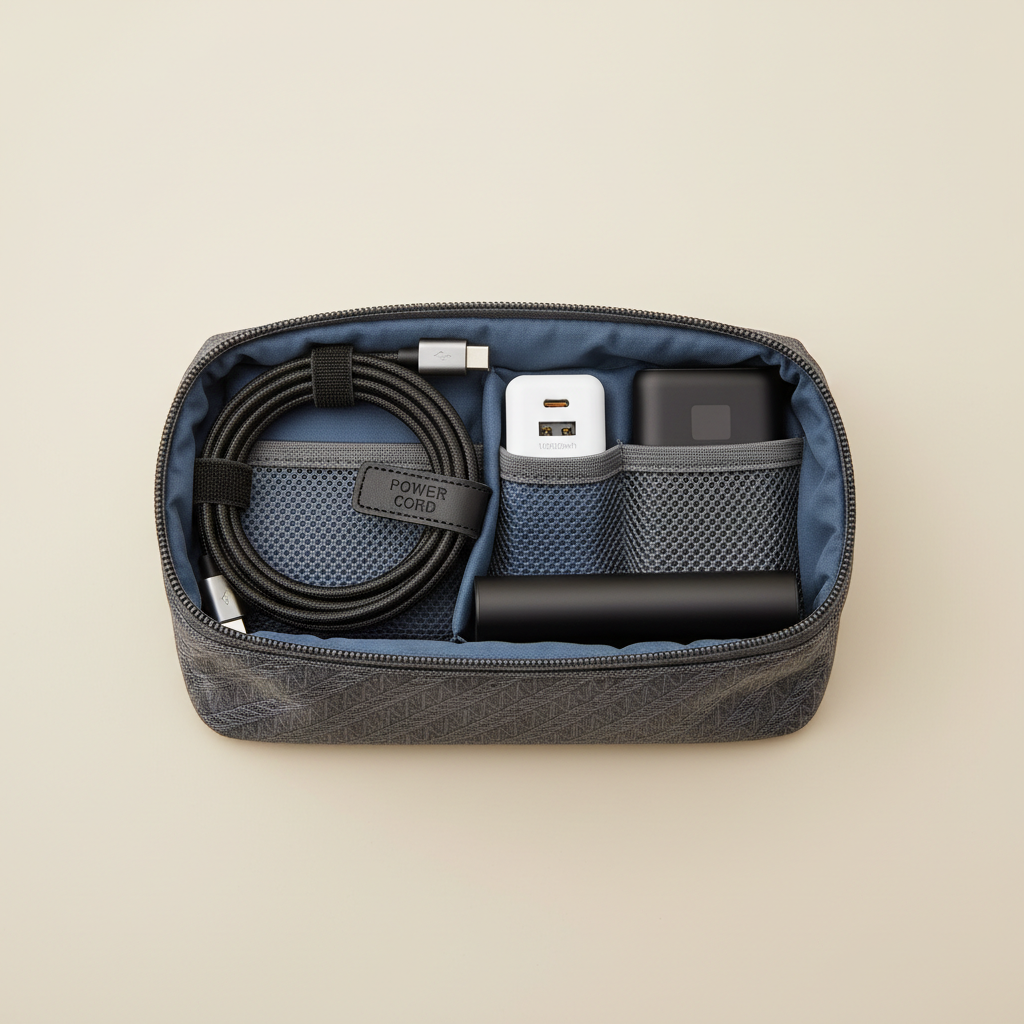
Setup A: phone-first (simple, reliable)
- 1x 60W USB-C to USB-C cable (6 ft) for couch/bed
- 1x compact USB-C PD charger (20–30W class)
- Optional: 1x short 1–3 ft cable for power bank
Setup B: laptop + phone (minimal but flexible)
- 1x 100W USB-C to USB-C cable (6 ft)
- 1x 65–100W USB-C PD charger
- Optional: second 100W cable stays in your bag
Setup C: desk dock + monitor workflow
- 1x USB4/Thunderbolt cable (often 2–3 ft is the “no drama” choice)
- 1x 100W or 240W cable for charging-only backup
- Check your dock’s host port power spec so expectations match reality
Mistakes I see all the time (and how to avoid wasting money)
- Assuming “USB-C” equals “fast”: connector shape tells you almost nothing about wattage or data class.
- Buying for today only: if you might add a laptop, a 100W cable is often a calmer default than repeated 60W purchases.
- Ignoring data needs: if you plug into a dock and your display flickers, it may be the cable’s data spec, not the monitor.
- Chasing extreme length: long runs can be convenient, but many setups behave better with moderate lengths.
- Using damaged cables: frayed jackets or loose connectors can increase heat; if a cable gets unusually hot, stop using it and consider replacement.
Conclusion: the “best” cable is the one that matches your power target
If you want faster charging without trial-and-error, buy based on watt class and use case: 60W for phone-focused life, 100W as the everyday workhorse, and 240W or USB4/Thunderbolt when your hardware demands it. From there, prioritize clear labeling and solid build quality, the rest is mostly preference.
If you’re shopping today, the most practical next step for many households is simple: add one 100W USB-C to USB-C cable to your kit, then test it with your existing charger and devices before you replace everything.
Key takeaways
- Watt rating matters more than “fast charge” marketing.
- USB4/Thunderbolt is for data/video workflows, not just charging.
- Heat and device limits can slow charging even with a great cable.
FAQ
- Do USB-C cables affect fast charging speed?
Yes, in many setups the cable limits the maximum current or causes voltage drop, so you may see slower charging even with a strong charger. - Is a 240W USB-C cable worth it for phones?
Usually not for speed alone, phones rarely need that headroom, but it can be a decent “buy once” option if you also charge a high-power laptop. - What’s the difference between a 60W and 100W USB-C cable?
Often it’s current handling and internal construction; a 100W cable is more likely to support 5A charging profiles used by many laptops. - Why does my phone fast charge with one cable but not another?
The slower cable may be limited to lower current, have higher resistance, or have worn connectors; even small differences show up under fast-charge loads. - Do I need USB4 or Thunderbolt for fast charging?
No, fast charging mainly depends on USB-C PD and wattage support, USB4/Thunderbolt matters when you also push high-speed data or video. - Can a cheap USB-C cable damage my device?
Many cheap cables work fine, but poorly built ones can overheat or fail; if you notice unusual heat, disconnects, or melted plastic smell, stop using it and consider a certified/reputable replacement.
If you’re trying to simplify your setup, a small “two-cable system” often feels best: one reliable 100W cable for everyday charging, plus a USB4/Thunderbolt cable only if your desk dock or monitor workflow demands it.