
Best wireless mice for small hands usually come down to one thing: a shape your fingers can actually relax on, without you clawing the mouse just to reach the buttons.
If your hand feels tense after an hour, or you keep overshooting icons, it’s rarely “bad aim.” Most of the time it’s fit. Small-hand users often get pushed toward full-size models because they’re popular, then end up compensating with grip pressure and wrist angles that feel fine today and annoying next week.
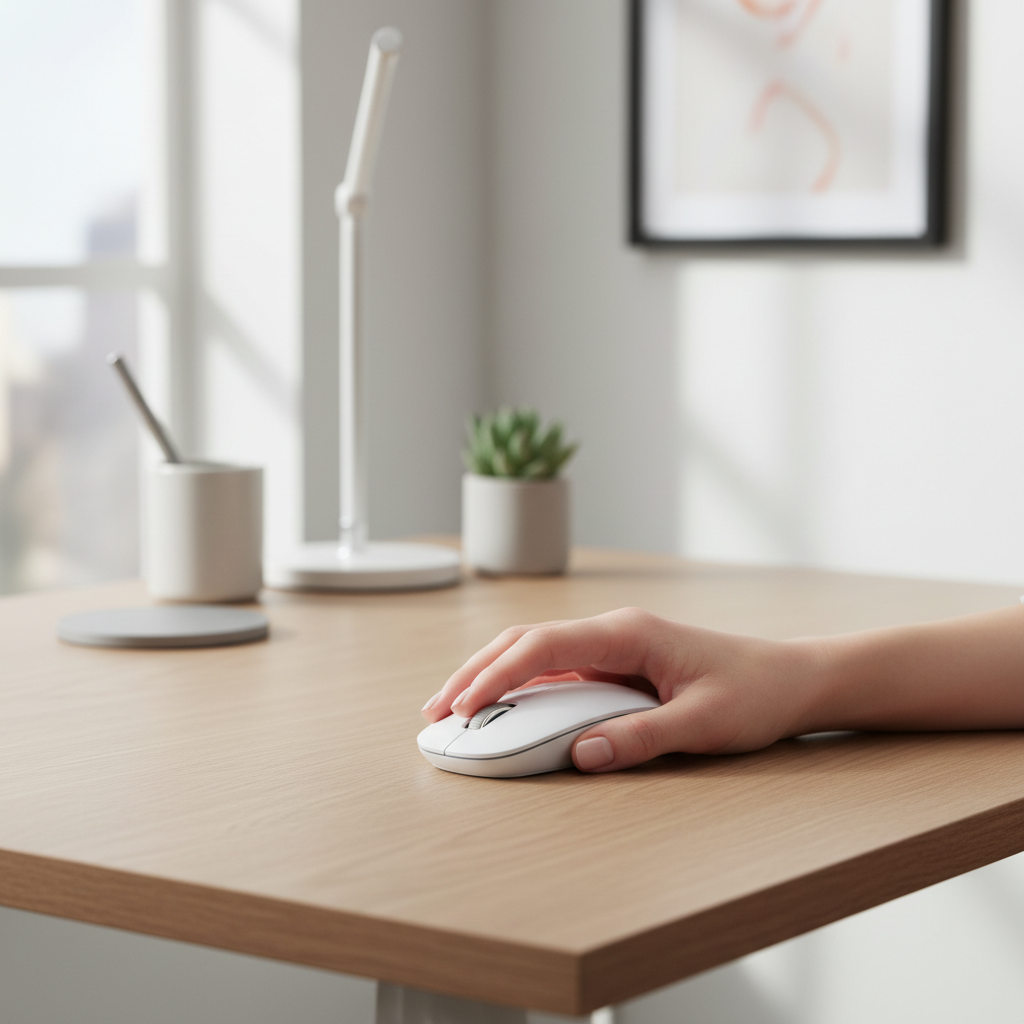
This guide is meant to help you pick quickly, without getting lost in spec sheets. You’ll get a short fit checklist, a table of what to prioritize by use case, and practical setup tips that make even a “good” mouse feel better in a small hand.
One quick note: comfort is personal. Two mice with similar dimensions can feel totally different because of hump placement, side curves, and button reach, so treat “best” here as “best candidates to try.”
What makes a wireless mouse work for small hands
A small-hand-friendly mouse isn’t just shorter. The parts that matter live where your fingers land.
- Length and button reach: If your index finger sits too far back, you’ll click with your fingertip instead of the pad, which often increases tension.
- Hump position: A rear hump supports palm grip, a centered hump suits relaxed claw, and a low profile often fits fingertip users.
- Grip width: Narrower bodies reduce thumb stretch, but too narrow can feel twitchy if you prefer palm contact.
- Weight and balance: Lighter mice can feel easier to move for smaller hands, but extreme lightness may feel unstable for office work.
- Side shape and coating: Curved sides and grippy textures help you lift without squeezing.
Wireless also adds its own requirements. Look for stable 2.4GHz dongle performance for gaming, and Bluetooth convenience for travel or multi-device work.
Quick self-check: which fit problems are you actually having?
Before shopping, identify the problem. It saves you from buying another “top-rated” mouse that still feels wrong.
- You pinch the mouse to lift it: Often a width/side-curve issue, or the mouse is too tall for your grip.
- Your wrist bends outward (ulnar deviation): The mouse may be too wide or too tall, pushing your hand angle.
- You can’t comfortably reach back/side buttons: The body is too long, or the buttons sit too far forward for small thumbs.
- You overshoot targets: DPI might be high, but also check weight and feet glide. A too-long shell can force fingertip-only control.
- Ring and pinky drag on the pad: Usually a height/flare issue, sometimes fixed by a slightly taller hump or a different side wall.
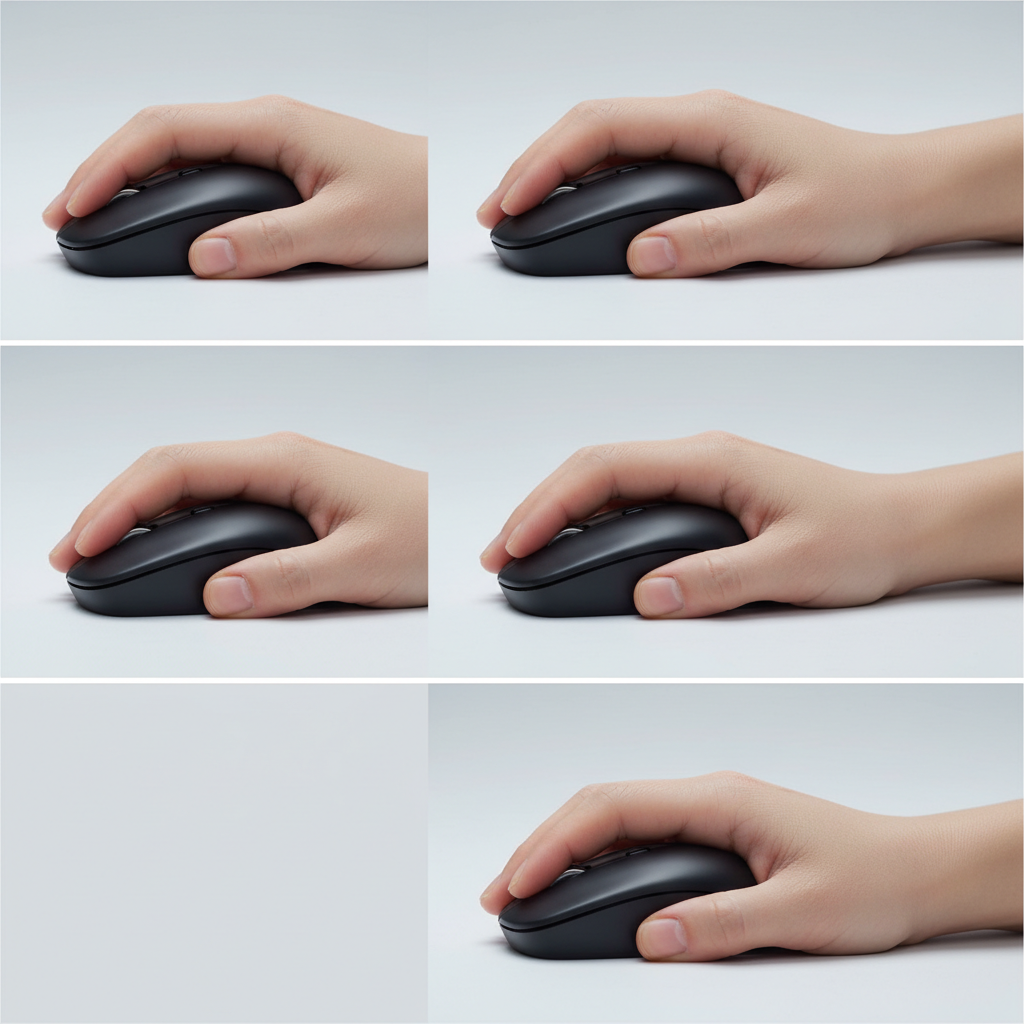
If you’re also dealing with persistent hand pain or numbness, don’t try to “power through.” According to NIOSH (the National Institute for Occupational Safety and Health), neutral wrist posture and reduced force help lower musculoskeletal strain risk in computer work. If symptoms persist, it may be worth discussing workstation ergonomics with a qualified professional.
Key features to prioritize (and what to ignore)
Marketing loves big numbers. Small hands usually benefit more from fit-driven details than headline specs.
Prioritize these
- Short-to-medium length shell with easy left/right click reach
- Well-placed side buttons you can hit without shifting your grip
- Reliable sensor behavior (no random jitter at normal speeds)
- Battery routine that matches your life: USB-C charging for frequent use, replaceable batteries for travel simplicity
- Multi-device switching if you move between laptop and desktop
You can usually de-emphasize these
- Ultra-high DPI ceilings if you’re doing office work or casual play
- RGB lighting unless you actually like it
- “Ergonomic” labels without clear shape and angle details
For best wireless mice for small hands, button feel matters too. Light clicks can reduce fatigue for some people, but if they’re too light you may misclick, especially in spreadsheets or shooters.
Shortlist table: best picks by use case
Instead of throwing 20 models at you, here’s a practical shortlist by scenario. These are widely available in the US and commonly considered friendly for smaller grips, but your exact comfort still depends on hand size and grip style.
| Use case | Good fit direction | What to look for | Examples to try |
|---|---|---|---|
| All-day office + laptop | Compact, quiet, easy Bluetooth | Short length, softer clicks, multi-device | Logitech MX Anywhere 3S, Logitech Pebble 2 M350s |
| Travel + minimal bag | Ultra-portable | Flat profile, strong battery life, simple switching | Logitech Pebble 2 M350s, Microsoft Bluetooth Mouse |
| Competitive gaming (FPS) | Small, light, stable 2.4GHz | Lower weight, good feet, safe shape | Logitech G Pro X Superlight 2, Razer Viper V3 Pro |
| Small hands + need more palm support | Short shell with a supportive hump | Rear/center hump, grippy sides | Razer Orochi V2, Logitech G305 LIGHTSPEED |
| Budget-friendly wireless | Simple, proven shapes | Comfort first, solid connection, replaceable battery | Logitech G305 LIGHTSPEED, Razer Orochi V2 |
Key takeaway: if you want one “safe” starting point, the MX Anywhere line tends to suit a lot of small-hand office users, while the G305/Orochi style is a common entry for compact wireless gaming.
How to choose the right mouse size without overthinking it
If you can’t try mice in person, use a simple approach: choose by grip first, then narrow by use case.
- Palm grip: prioritize a supportive hump and a shell that doesn’t force finger curl to reach clicks.
- Claw grip: look for a centered hump and side curves that let you lift without squeezing.
- Fingertip grip: low profile and lighter weight often feel more controllable, but don’t go so tiny that your hand cramps.
Then decide on connection:
- 2.4GHz dongle: typically the safest choice for gaming responsiveness and consistency.
- Bluetooth: great for travel and tablets, sometimes a touch less consistent for fast twitch play.
- Both modes: ideal if you swap devices daily.
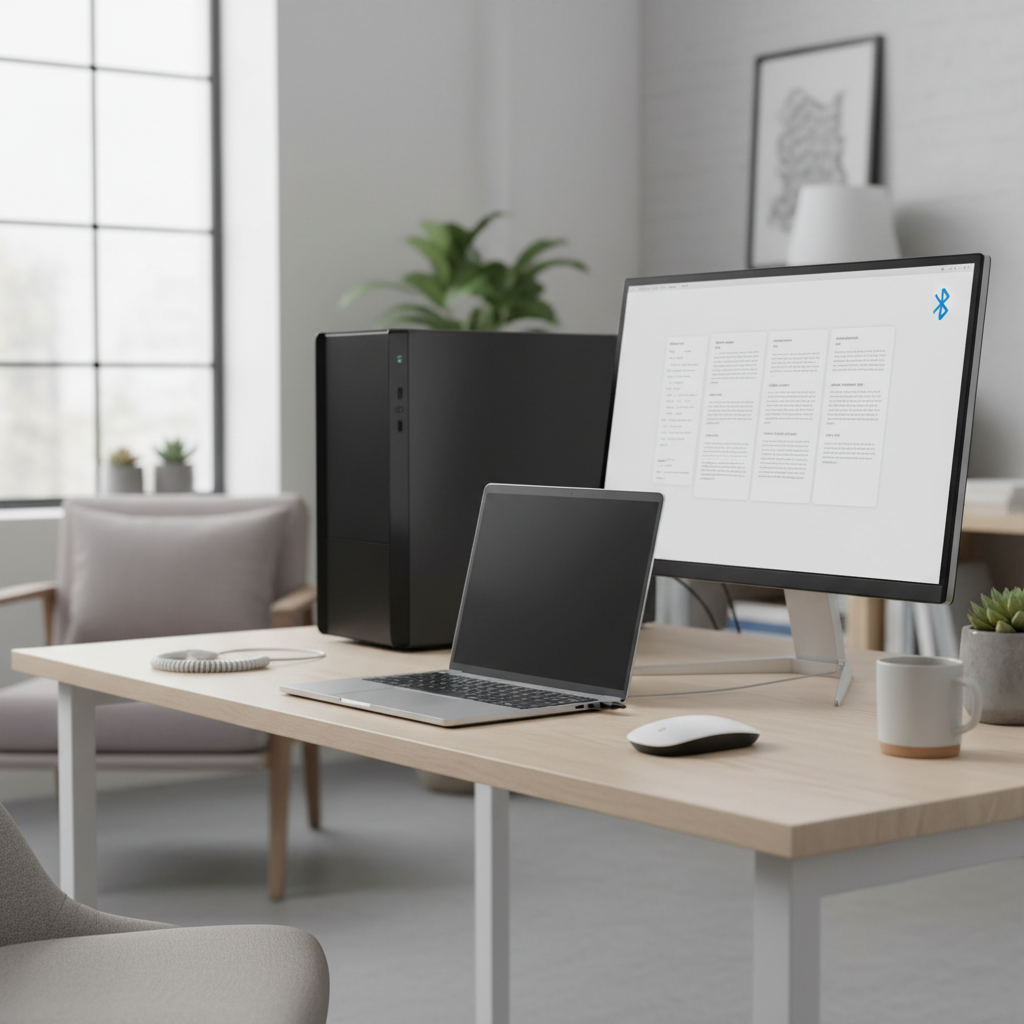
If you’re shopping specifically for best wireless mice for small hands and you’re between two sizes, the smaller shell usually wins for button reach, but the slightly larger option can win for long sessions if it offers better palm support. That tradeoff is real.
Practical setup tips: make a good mouse feel better in 10 minutes
People blame hardware when the fix is often settings and posture. Try these before you return anything.
- Lower your pointer speed/DPI: For many users, reducing sensitivity improves control and reduces grip tension.
- Turn off “Enhance pointer precision” (Windows): That acceleration can make fine movements feel inconsistent, especially in games.
- Match mousepad to your style: Faster pads help heavy mice, slower pads help twitchy light mice.
- Move from the elbow, not just the wrist: A small mouse can encourage wrist-only movement, which may irritate some people over time.
- Remap side buttons: Put high-frequency actions on the easiest-to-reach button, not the “ideal” mapping you saw online.
According to OSHA, good computer ergonomics often emphasizes neutral posture and minimizing force. You don’t need a perfect setup, but if you notice you’re gripping harder as the day goes on, that’s a signal something isn’t matched well.
Common mistakes when shopping for small hands
- Buying purely by length: A short mouse with the wrong hump can still feel huge in use.
- Chasing the lightest weight: Ultra-light can feel “floaty” for office precision, especially if your hand is very small and you tense up.
- Ignoring button height: Tall, stiff buttons can force finger extension, which adds fatigue.
- Assuming “ergonomic” means smaller: Many ergonomic shapes are actually wide to support the hand.
- Skipping return policy checks: Fit is personal, so returns matter more here than usual.
One more thing people don’t love hearing: for best wireless mice for small hands, you sometimes need to try two shapes before it clicks. If you can narrow to two different hump positions, you learn faster than buying three “similar” models.
Conclusion: a small-hand mouse should feel boring—in a good way
The right pick stops drawing attention to itself. Your fingers rest, clicks land where you expect, and you don’t think about grip pressure at 4 p.m.
- If you work across devices: start with a compact productivity mouse that does Bluetooth and has easy switching.
- If you play FPS: prioritize a smaller, lighter 2.4GHz model with a shape that lets you relax your fingertips.
If you want a simple next step, choose one model from the table that matches your daily use, order from a retailer with a straightforward return window, and give yourself three real work sessions before you decide.