
How to fix loose charging port on phone usually comes down to one of three things: pocket lint packed inside, a worn cable that no longer “grips,” or a charging port that’s physically damaged or separating from the phone’s board. The good news is that you can often narrow it down in 10 minutes without special tools.
A loose connection is more than an annoyance, it can turn into heat, slow charging, random disconnects, and eventually a port that fails completely. And if you keep “wiggling it until it charges,” you may make the underlying issue worse.
This guide focuses on safe, practical fixes you can try at home, plus clear “stop here” signs that point to a repair. No miracle tricks, just what typically works in real-life scenarios.
What “loose charging port” usually means (and why it happens)
People say “the port is loose,” but they may be describing different problems. Here are the common ones that change what you should do next.
- Lint or compacted debris: the plug can’t seat fully, so it feels wobbly or disconnects with small movement.
- Worn or out-of-spec cable: the connector shell or contacts are worn, so it doesn’t hold firmly even if the port is fine.
- Bent or damaged internal tab/pins: often after yanking the cable, charging while gaming, or a drop with the cable inserted.
- Port housing separation: the port “moves” because the assembly or solder joints loosen, more common after impact or repeated strain.
- Moisture/corrosion: charging becomes intermittent, then “loose” behavior shows up as the connection degrades.
According to Apple Support, debris in the charging port can prevent your device from charging properly, and cleaning should be done carefully to avoid damage.
Quick self-check: figure out which situation you’re in
Before you poke at anything, do a fast diagnosis. This saves time and helps you avoid “fixes” that only mask the real problem.
A short checklist
- Try a different cable (preferably new or known-good). If the “loose” feeling disappears, your cable was the issue.
- Try a different charger/power source. A weak adapter can look like a port problem because charging keeps dropping.
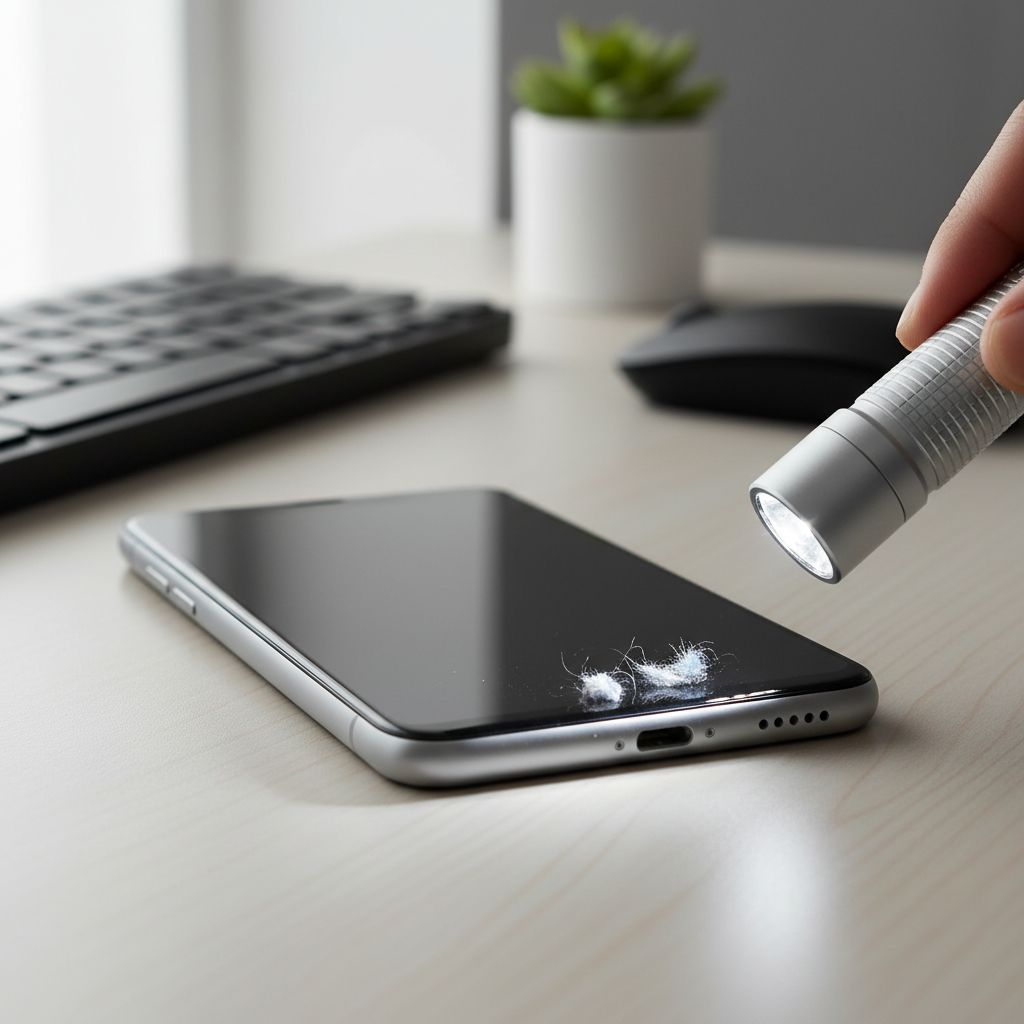
- Look inside the port with a bright light. If you see a gray/brown mat at the back, that’s usually lint.
- Does the plug click in fully? On many phones, a satisfying “seat” feel is normal. If it never fully seats, suspect debris.
- Does the port itself move when you gently wiggle the cable near the phone frame? If yes, stop and consider repair.
- Any overheating, burning smell, or discoloration? Don’t keep testing, unplug and get it checked.
Safe DIY fixes you can try at home (in order)
If you’re here to learn how to fix loose charging port on phone without cracking it open, start with low-risk steps. The goal is to restore a solid connection, not force the plug to “stay.”
1) Clean the port (the most common real fix)
Lint compacts like felt. Blowing on it rarely works because it’s packed tight at the back of the port.
- Power the phone off before cleaning.
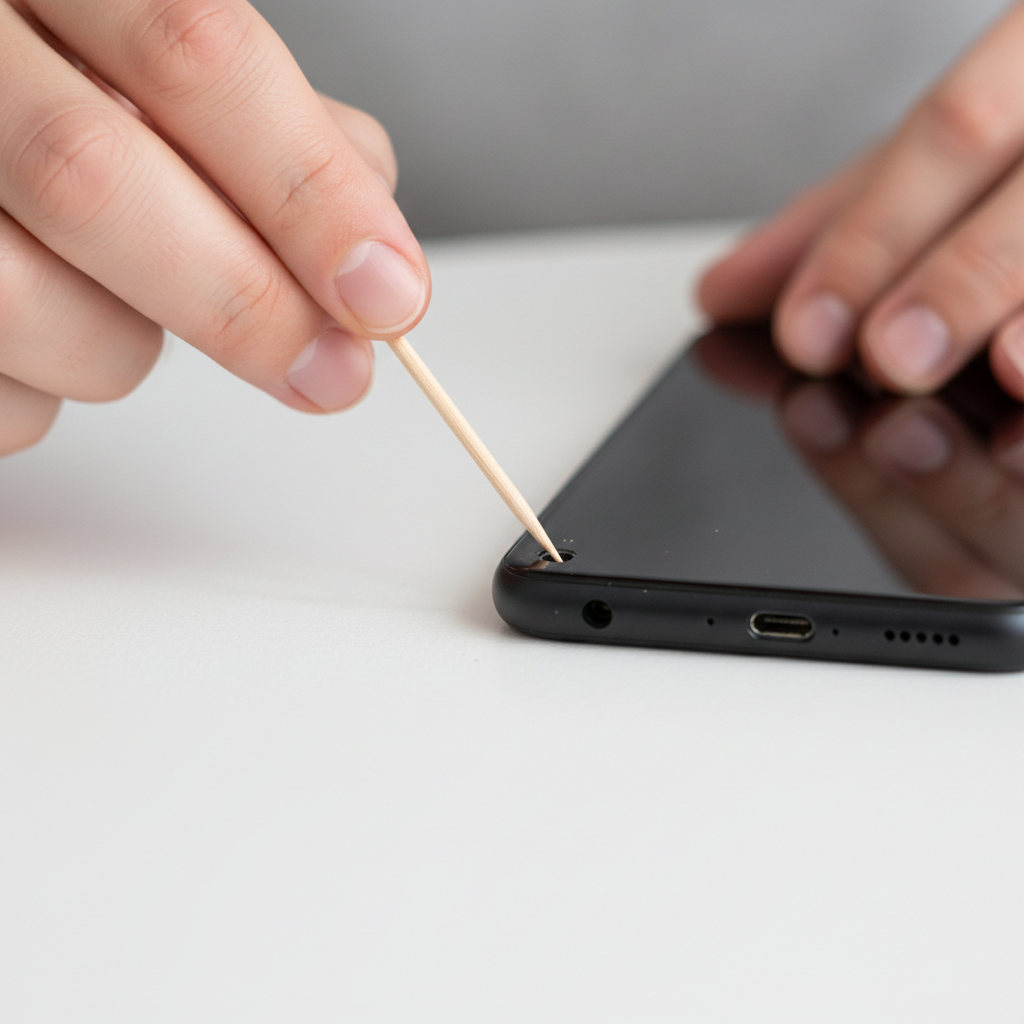
- Use a wooden or plastic toothpick (not metal) and gently scrape the back wall of the port.
- Work slowly, pulling debris outward in small pieces.
- If you have it, use compressed air in short bursts after loosening lint, keeping the can upright.
Avoid jamming the tool downward; you’re trying to lift debris out, not push it into the contacts.
2) Check the cable fit and replace the right part
Not all cables are equal, and “loose” is sometimes the cable shell wearing down. Quick sanity check: does the cable feel loose in multiple devices, or only your phone?
- If the cable is loose in multiple phones, replace the cable.
- If multiple cables feel loose in your phone only, suspect the port (debris or damage).
- Prefer OEM or certified cables (MFi for many Lightning accessories, or reputable USB-IF compliant USB-C brands). Off-spec plugs can be sloppy.
According to USB-IF, USB standards exist to improve interoperability and safety, and using compliant cables/accessories helps reduce charging issues caused by poor hardware.
3) Reduce strain while charging (a practical “it stays connected” fix)
This won’t repair a damaged port, but it can stop random disconnects while you decide next steps.
- Stop charging while the phone hangs off the cable at an angle.
- Use a shorter cable at your desk to reduce leverage.
- If you charge in bed, route the cable so it doesn’t pull sideways.
- Consider a right-angle connector cable to reduce bending at the port.
When “loose” is actually damage: signs you should not ignore
There’s a point where DIY stops being smart. If the port assembly or solder joints are failing, continued wiggling can crack traces or damage the board.
- The port visibly shifts inside the frame when you move the connector.
- Charging cuts in and out even after thorough cleaning and a known-good cable.
- Fast charging disappears, and the phone only charges at certain angles.
- “Accessory not supported” or repeated moisture/debris alerts with no obvious debris.
- Heat near the port during charging, more than normal warmth.
If you see any scorching, melting, or smell anything unusual, stop using that port and consider a professional inspection. In rare cases, charging faults can create safety risks.
Decision table: DIY vs repair vs workaround
If you’re stuck choosing what to do next, this table is the easiest way to decide without overthinking.
| What you notice | Likely cause | Try this first | Next step if it fails |
|---|---|---|---|
| Plug won’t seat fully, feels “springy” | Lint/debris | Careful port cleaning | Shop inspection for internal damage |
| Only one cable feels loose | Worn cable plug | Replace cable with certified/OEM | Check port for wear |
| Any cable disconnects with small movement | Port wear or bent pins | Clean + test known-good cable | Repair (port replacement or board work) |
| Port “moves” in the phone frame | Loose port assembly/solder | Stop wiggling, avoid charging strain | Professional repair recommended |
| Charging works on wireless but not wired | Port issue likely | Use wireless temporarily | Repair when convenient |
Common mistakes that make a loose charging port worse
Most port failures don’t come from one big event, they come from lots of tiny bad habits. A few to avoid:
- Using metal tools to scrape inside the port. It can short contacts or bend pins.
- Spraying liquids into the port. Even isopropyl alcohol can be risky if you flood it or if seals are compromised.
- Forcing a “tighter” fit by bending the cable tip or pushing harder. If it’s not seating, something is blocking it.
- Charging while the cable is under tension (controller grip, car mount, or dangling off a sofa). That leverage matters.
- Ignoring heat. Warm is normal, hot is a warning.
Practical fixes if you need it working today (without a port repair)
Sometimes you just need the phone to charge reliably for a trip or work shift. These are “bridge” options, not permanent solutions.
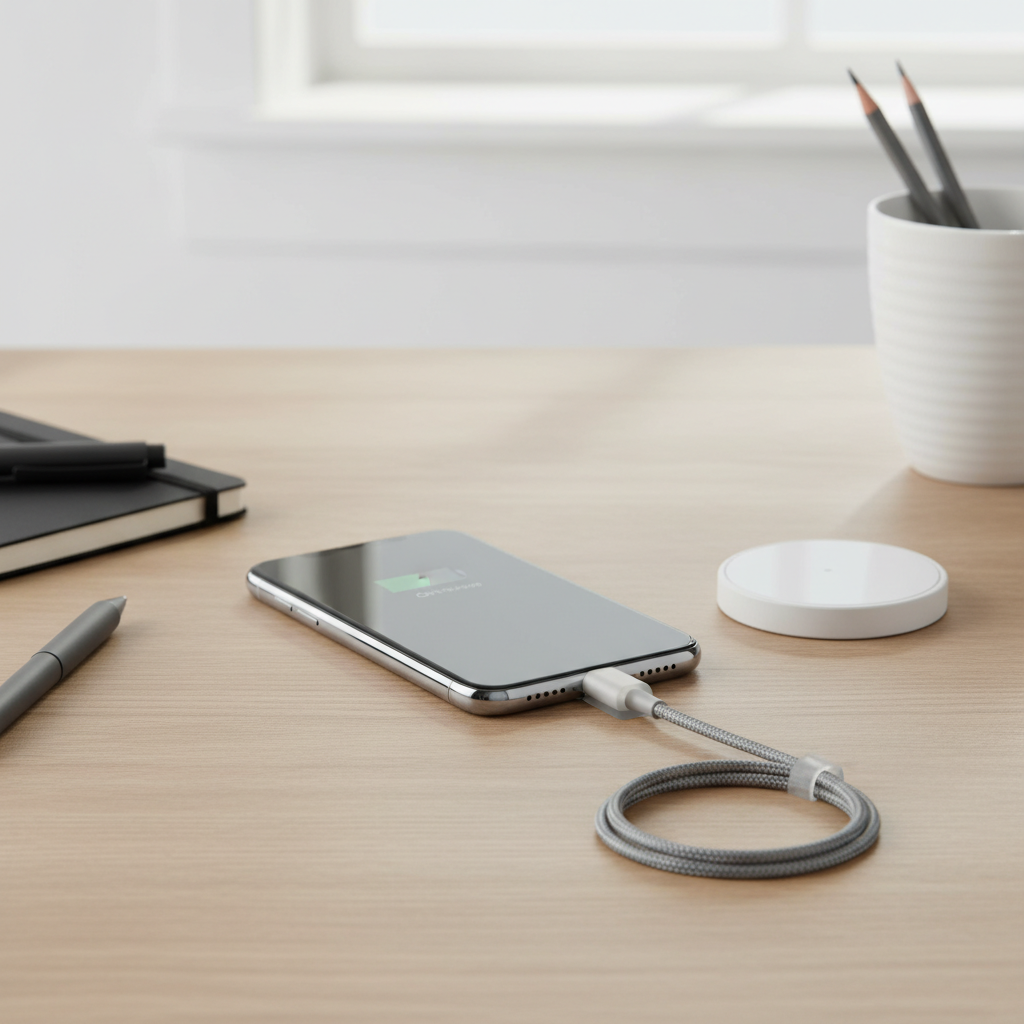
- Wireless charging if your phone supports it, especially overnight when you don’t move it.
- Magnetic charging adapters can reduce wear because you stop inserting/removing the plug, but quality varies and some cases add stress, so treat it as a cautious trial.
- Use a stable charging setup: phone flat, cable straight, minimal movement.
If you’re repeatedly searching how to fix loose charging port on phone because it keeps coming back, that usually hints at port wear or a habit causing strain.
When to seek professional help (and what to ask for)
If cleaning and cable testing don’t change anything, a repair shop or manufacturer service is often the most efficient path. It’s also the safer path when you suspect internal looseness.
- Ask if they plan a port-only replacement (common on some models) or board-level repair (needed when solder joints or traces are affected).
- Ask whether they’ll check liquid indicators and corrosion, since that can change the repair approach.
- If the phone is under warranty or you have device protection, start there, unauthorized repairs may affect coverage.
According to the Federal Trade Commission (FTC), consumers generally have options for device repair, and it’s reasonable to ask for clear information about parts and service before approving work.
Key takeaways to remember
- Debris is the #1 culprit, and careful cleaning solves a lot of “loose port” complaints.
- A single bad cable can mimic a failing port, test with a known-good one.
- If the port physically moves or charging only works at angles, stop forcing it and plan a repair.
- Set up charging to reduce sideways strain, it prevents repeat problems.
Conclusion: the simplest path to a solid connection
Most people fix a loose-feeling port by removing compacted lint and switching to a properly fitting cable, and that’s the right place to start because it’s low risk. If the connection still drops after that, treat it like wear or internal damage rather than a “cleaning problem,” and get a repair quote before the port fails completely.
If you want one action today, do this: power off, inspect with a light, clean gently, then test with a known-good cable while the phone sits flat and still.
FAQ
Why does my charger fall out of my phone so easily?
The most common cause is lint packed in the back of the port, which prevents the plug from fully seating. A worn cable plug can also feel slippery and loose even if the port is fine.
How do I know if my charging port is damaged or just dirty?
If you clean it carefully and a known-good cable still disconnects with minor movement, damage becomes more likely. If the port shifts inside the frame or charging only works at certain angles, it’s a strong sign you should stop DIY.
Is it safe to use a needle or paperclip to clean a charging port?
Usually it’s not a great idea because metal can scratch, bend pins, or short contacts. A wooden or plastic pick is a safer choice, and working slowly matters more than force.
Can compressed air fix a loose charging port?
Compressed air can help after you loosen debris, but it often can’t remove compacted lint by itself. Short bursts with the can upright is the safer way to avoid moisture spray.
My phone charges only when the cable is at an angle, what does that mean?
That pattern often points to worn contacts, bent pins, or a port that’s starting to separate internally. You can try cleaning and cable testing, but if it persists, repair is usually more realistic than more “wiggling.”
Will wireless charging solve the problem long term?
It can be a workable workaround if your phone supports it, especially if you mainly charge at night. But it doesn’t fix the wired port, so data transfer and certain accessories may still be affected.
Should I replace the charging port myself?
DIY port replacement can be tricky and varies a lot by model, adhesive design, and whether the port is on a separate daughterboard. If you’re not comfortable with small connectors and risk of damage, a professional shop is often the safer choice.
If you’re stuck between “it works if I wiggle it” and “I don’t want to break it,” a simple troubleshooting routine and a stable charging setup can buy time, and a quick inspection by a reputable repair shop can confirm whether you’re dealing with lint, wear, or a deeper port/board issue.