
Best budget dash cams for cars in 2026 are no longer the “blurry evidence” devices they used to be, but the cheap end still has traps: weak night video, unreliable apps, and mounts that fall off in heat.
If you want clear footage without paying premium prices, the real trick is matching the camera to your driving and parking habits, not chasing the highest resolution number on the box.
This guide breaks down what actually matters for clarity, which features are worth paying for, and a short list of budget-friendly picks that fit common U.S. scenarios like highway commutes, street parking, and rideshare use.
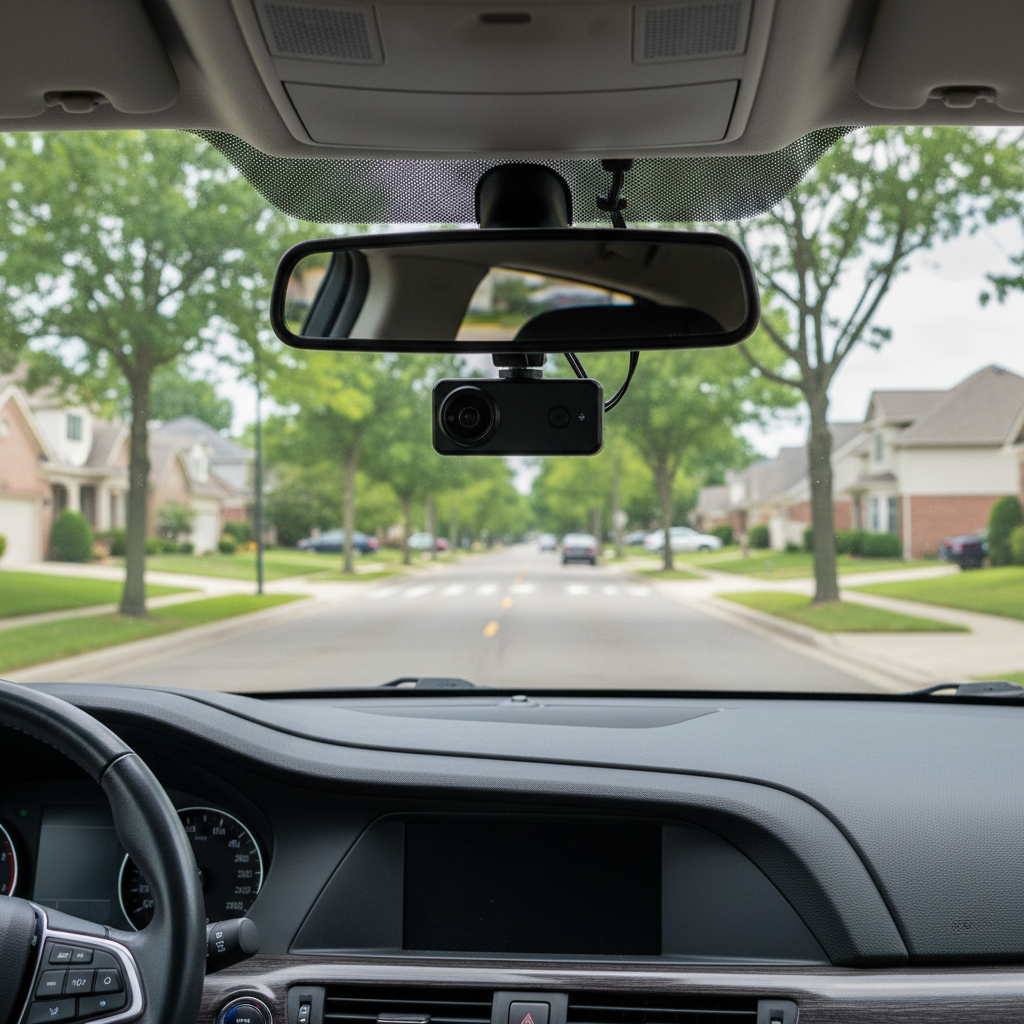
What “clear video” really means for a budget dash cam
Clarity is a mix of sharpness, stability, and readable details (like plates) in the moments that count. 4K helps, but it’s not the whole story, especially at night.
- Bitrate: Higher bitrate often looks cleaner than low-bitrate “4K.” Budget models sometimes over-compress video.
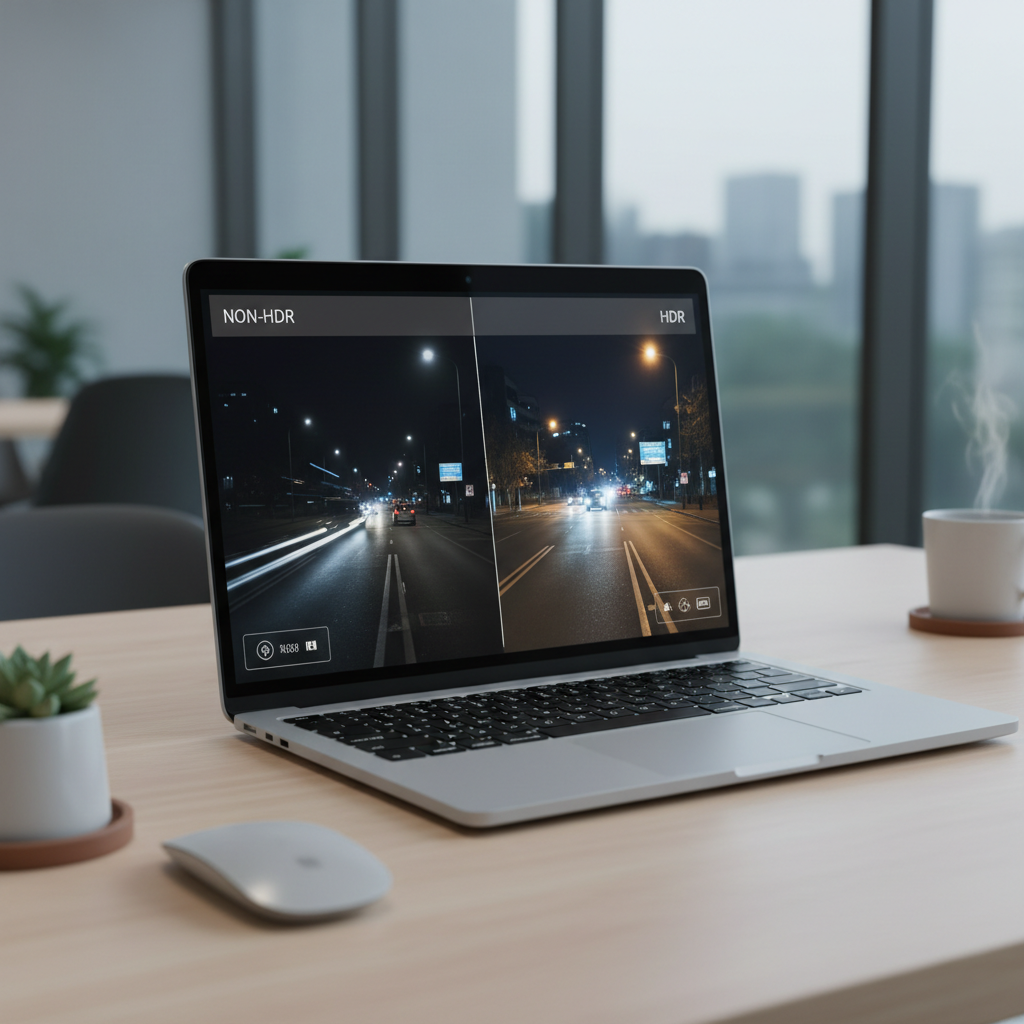
- Sensor + HDR: A decent sensor with HDR/WDR handles glare and shadows better than raw resolution.
- Night performance: Streetlights, headlights, and tinted glass can wreck footage; look for good low-light tuning.
- Stability and mount: Shaky footage can turn “sharp” video into unusable evidence.
- Audio + timestamp/GPS: Not about sharpness, but it can help reconstruct what happened.
According to NHTSA, dash cams can support safer driving behaviors and provide documentation after incidents, but they’re not a substitute for safe driving or proper reporting.
Quick comparison table: budget picks that usually deliver clear video
Prices move a lot year to year, so think of these as models/series to look for and compare current deals. “Best” depends on whether you care more about plates at night, parking mode, or ease of use.
| Best for | Suggested budget model/series | Why it makes sense | Watch-outs |
|---|---|---|---|
| Overall value (front-only) | Viofo A119 series | Strong daytime clarity, good reliability reputation in the budget tier | No built-in cloud, interface feels “utilitarian” |
| Affordable front + rear | Viofo A129 series | Balanced two-channel kits, decent plate capture for the money | More wiring, rear camera placement takes patience |
| Sleek, easy app experience | Garmin Dash Cam Mini 2 | Small footprint, polished ecosystem, easy sharing | Tiny camera means trade-offs in low light and feature depth |
| Good budget parking features | 70mai A810 / A800 series | Often offers strong feature-per-dollar, modern UI | Regional availability, app behavior can vary by phone/OS |
| Simple reliability on a tight budget | ROVE R2-4K series | Common pick in the U.S., generally straightforward to run | 4K claims depend on settings and SD card quality |
How to choose the right budget dash cam (without overpaying)
Most people overspend on specs that don’t translate to usable evidence, then underspend on the parts that actually keep the camera recording every day.
Prioritize these features first
- Capacitor, not battery: In many U.S. climates, capacitors tolerate heat better, batteries can age faster.
- 1080p/1440p done well: A good 1440p front cam can beat a “cheap 4K” model for clarity.
- Wide dynamic range (WDR/HDR): Helps with sunrise/sunset glare and shadowy intersections.
- 2-channel if you need rear coverage: Rear footage matters in tailgating, parking bumps, and hit-and-runs.
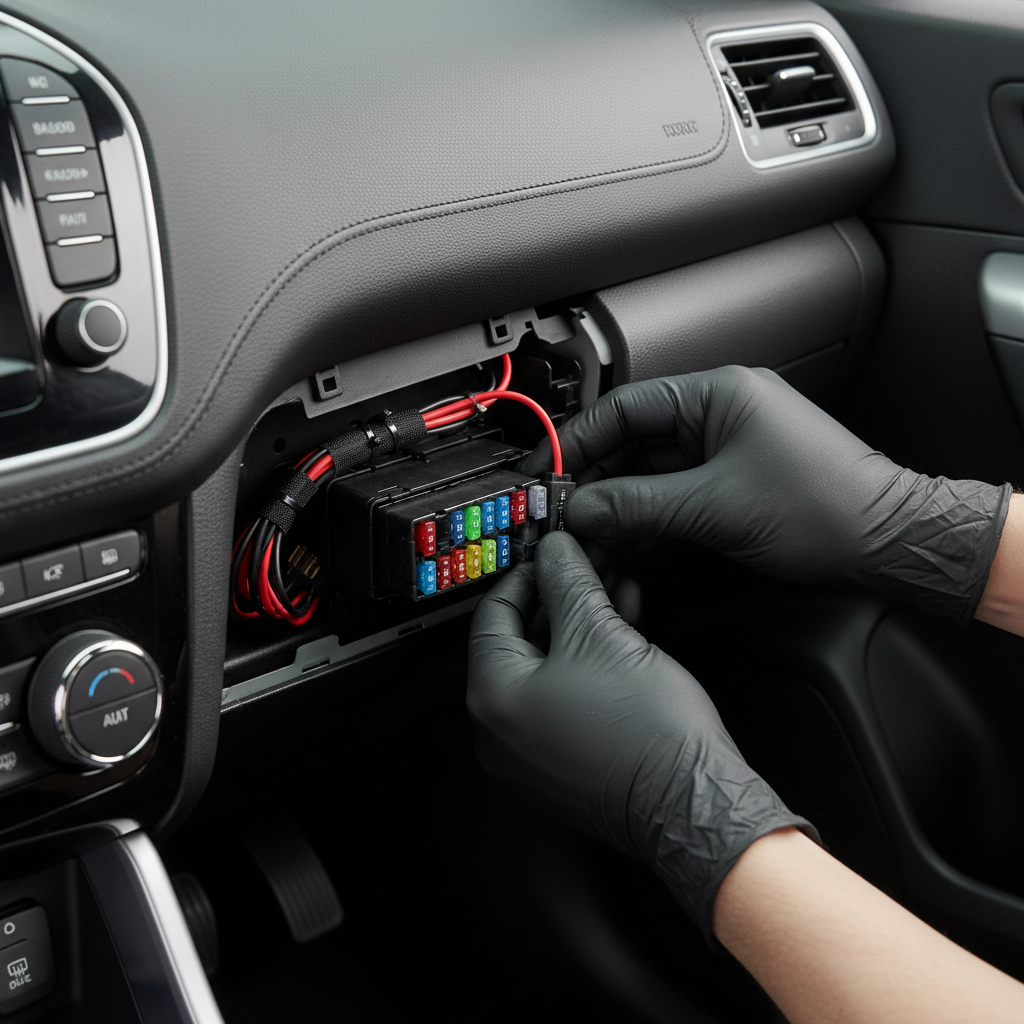
- Parking mode (only if you’ll wire it): True parking mode usually needs a hardwire kit or a dedicated battery pack.
Don’t let these marketing points decide for you
- “4K” as the headline: Without strong bitrate and tuning, it’s just bigger files.
- “Night vision” labels: Most are just exposure tweaks; real low-light performance varies a lot.
- Cloud subscription promises: Great if you want it, but you can get solid results with local recording.
Self-check: which dash cam setup fits your driving?
If you answer these quickly, you’ll narrow the field faster than reading 30 spec sheets.
- Mostly daytime commuting? A front-only unit with strong daytime detail may be enough.
- Street parking or shared lots? Consider parking mode, but plan for hardwiring so it’s dependable.
- Night driving on unlit roads? Favor HDR/WDR reputation and avoid bargain-basement sensors.
- Rideshare or frequent passengers? You may want a cabin-facing camera; check local laws and platform policies.
- Hot summers (AZ, NV, TX, FL)? Capacitor-based models and a solid mount matter more than people expect.
One more practical check: if you know you won’t manage cables, don’t buy a complicated multi-cam kit and then “figure it out later.” That’s how people end up with a rear cam still in the box.
Practical setup tips to get clearer footage (even with a cheap cam)
You can squeeze noticeably better results out of the same camera with a careful install and a few settings tweaks.
Placement and angle
- Mount high, near the rearview mirror, so it captures more road and fewer reflections.
- Keep the horizon centered; too much hood wastes pixels.
- Clean the windshield glass and the mount area, then wait before driving so adhesive bonds well.
Settings that usually improve “evidence quality”
- Set exposure carefully: Many cameras default too bright at night, blowing out plates; try a slight negative EV.
- Use the highest stable bitrate: If the camera supports it, it reduces compression artifacts.
- Turn off gimmicky overlays: Speed stamps can be useful, but too much text can cover details.
SD card: the boring part that prevents failure
- Use a high-endurance microSD (dash cams rewrite constantly).
- Format in-camera on a regular schedule; corruption is common when you never maintain the card.
- In hot climates, consider smaller capacity but higher endurance, so the card runs cooler and more predictably.
Budget safety and privacy notes (real-world boundaries)
Dash cams are helpful, but they can create headaches if you ignore the basics.
- Distraction risk: Don’t adjust settings while driving; pull over. If you’re unsure, ask an installer.
- Privacy: Audio recording laws vary by state; if you record cabin audio, check local requirements and consider signage for passengers.
- Windshield rules: Some states restrict windshield-mounted devices; many drivers place the camera behind the mirror to reduce obstruction.
- After an incident: Back up the clip quickly. Loop recording can overwrite it faster than you think.
According to FTC guidance on consumer privacy, being transparent about recording and securing stored footage can reduce risk, especially when sharing clips online.
Key takeaways and a simple buying plan
If you’re trying to pick from the best budget dash cams for cars in 2026, aim for the camera that records consistently and stays readable in your most common “hard” condition, usually night glare or parking hits.
- Value comes from reliability: capacitor power, stable firmware, and a high-endurance card.
- Clear video is more than resolution: HDR/WDR tuning and bitrate matter.
- Buy for your scenario: front-only for commuting, 2-channel for rear risk, hardwire for parking mode.
Action step: pick 2–3 models from the table, then compare current pricing with the cost of a proper SD card and (if needed) a hardwire kit, because that’s the real “all-in” budget most buyers forget.
FAQ
What is the best resolution for a budget dash cam in 2026?
In many cases, 1440p with good HDR looks more usable than cheap 4K. If your priority is plate readability, pay attention to real-world night footage and bitrate, not only resolution.
Do I need a front and rear dash cam, or is front-only enough?
Front-only works for a lot of commuters, but rear coverage helps with tailgating, rear-end claims, and parking lot bumps. If you already worry about those scenarios, a two-channel kit often feels worth the extra wiring.
How much should I spend to get clear video without paying premium prices?
Pricing shifts, but a realistic “budget” is the camera plus a high-endurance microSD card. Many frustrations people blame on the camera come from cheap cards or poor mounting.
Are cheap dash cams reliable in hot weather?
Some are, some aren’t. Look for capacitor-based designs and avoid leaving the camera dangling on a weak mount. If you live in extreme heat, it may be worth leaning toward brands with a stronger reliability track record.
Does parking mode drain the car battery?
It can, depending on your car battery health, cut-off settings, and how long the car sits. If you want parking mode, a hardwire kit with low-voltage cutoff is a safer approach, and if you’re unsure, an installer can help.
What microSD card should I buy for a dash cam?
Choose a high-endurance card from a reputable brand, sized for your recording needs. Format it in-camera regularly; this small habit prevents a lot of “it stopped recording” surprises.
Will a dash cam lower my insurance?
Sometimes insurers care about video evidence for claims, but discounts vary and aren’t guaranteed. It’s better to treat a dash cam as documentation and peace of mind, not a promised savings tool.
If you’re trying to choose the best budget dash cams for cars in 2026 but don’t want to gamble on mismatched features, make a short list based on your parking situation, night driving frequency, and whether you’re willing to hardwire, then buy the camera and SD card as a set so the setup works from day one.