
Agentic AI is a way of building AI systems that don’t just answer questions, but can plan steps, use tools, and carry tasks to completion with some degree of autonomy.
If you’ve tried to move from “chatbot demos” to real business outcomes, you’ve probably hit the same wall: a single prompt rarely maps cleanly to a multi-step workflow, especially when data, permissions, and edge cases show up. Agentic approaches exist to bridge that gap.
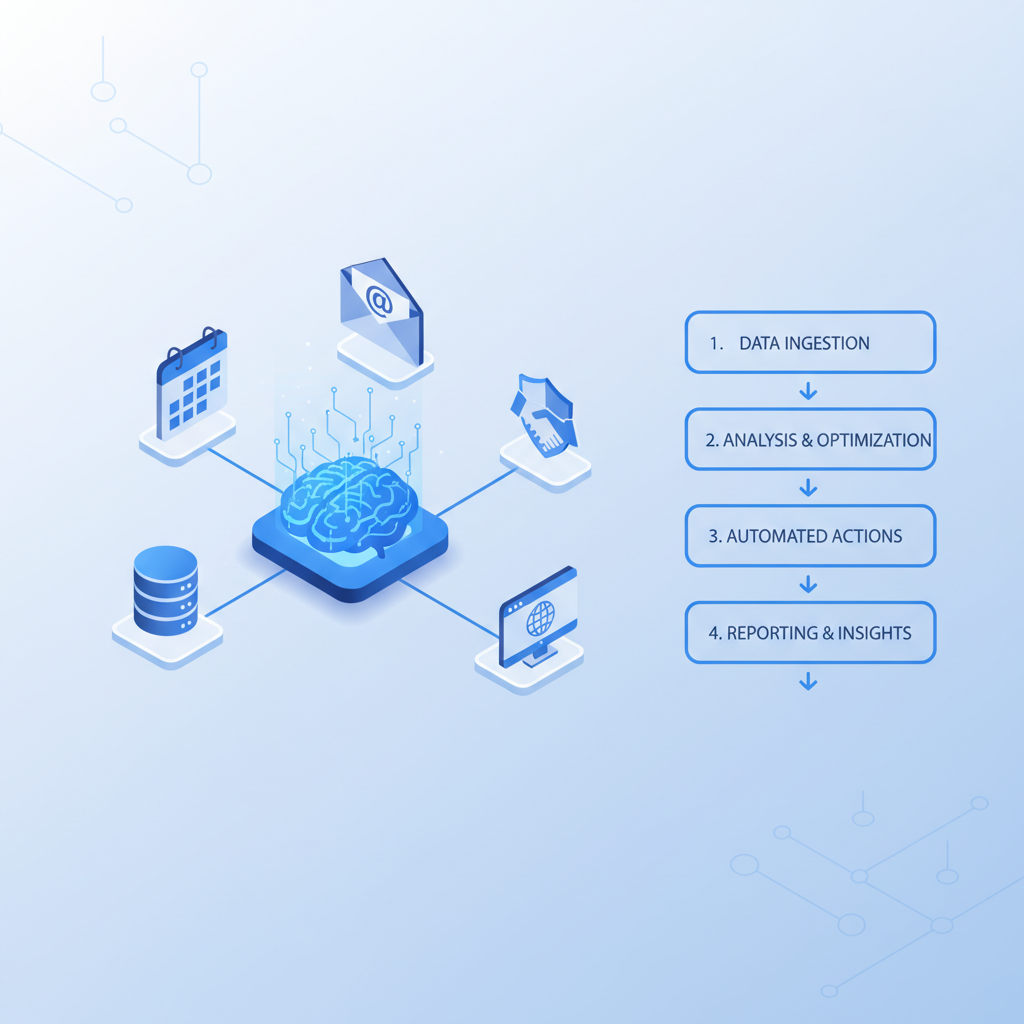
In this guide, I’ll break down what makes agentic systems different, where autonomous AI agents are useful (and where they cause trouble), and how teams typically structure agentic workflows with governance that stands up in an enterprise setting.
What “Agentic AI” Means (Beyond the Buzzword)
Agentic AI usually refers to AI that can pursue a goal through multiple actions rather than producing a single response. In practice, that often means an LLM-based “brain” paired with a loop that can:
- Interpret a goal (often from a user request or a ticket)
- Plan a sequence of steps
- Call tools (APIs, databases, browsers, internal systems)
- Check results and decide what to do next
- Stop when success criteria are met or when it needs human help
Two clarifications matter in the real world. First, “agentic” doesn’t mean “fully autonomous,” many deployments keep humans in the loop for approvals. Second, “agent” doesn’t have to be one model; it can be a set of coordinated components, which is where agent orchestration and multi-agent systems show up.
Key Building Blocks: Tools, Memory, Planning, and Orchestration
Most agent implementations look different on the surface but share a familiar set of parts. If you’re evaluating vendors or assembling your own stack, these are the pieces you’ll keep bumping into.
Tool-using AI models
Tool-using AI models are LLMs configured to call functions or APIs. The “tool” can be as simple as retrieving a customer record, or as risky as issuing a refund, changing access rights, or pushing code.
According to NIST (National Institute of Standards and Technology), organizations should manage AI risks across the system lifecycle, which maps cleanly to tool use: the moment an agent can act, not just talk, risk management becomes operational, not theoretical.
Planning and execution loops
Many agents run an iterative loop: propose a step, execute, observe the result, then continue. This is where things can get expensive or unpredictable if constraints are weak. Tight “stop conditions,” budget limits, and fallback policies often matter more than clever prompts.
Memory (short-term and long-term)
- Short-term memory is the immediate context: the ticket, recent actions, tool outputs.
- Long-term memory is often implemented with retrieval (RAG) over a knowledge base, plus optional structured state in a database.
Memory is not automatically “truth,” it’s just what the agent can retrieve. Teams that treat memory as a controlled data product usually get fewer surprises.
Agent orchestration
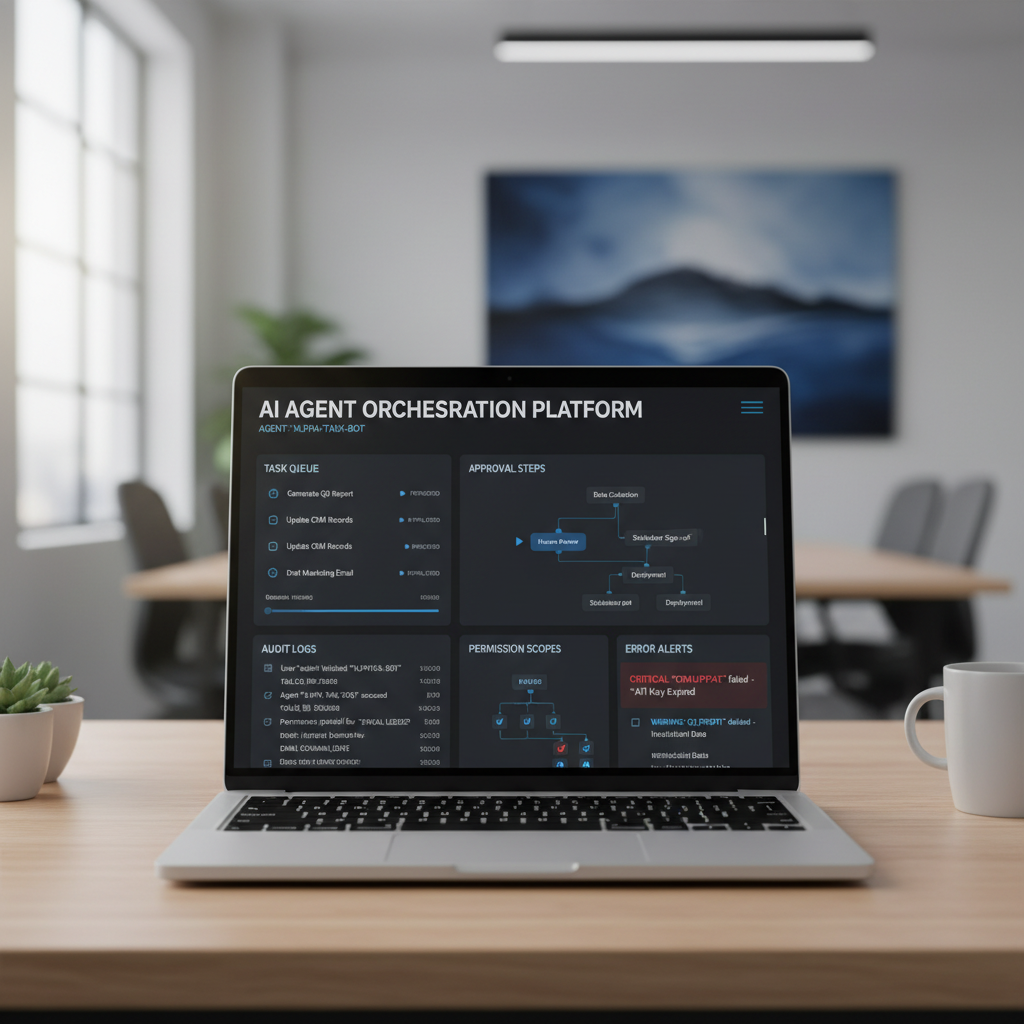
Agent orchestration is the control plane: who does what, in what order, with what permissions, and how you recover when something fails. In enterprise work, orchestration tends to be where the real engineering time goes.
Agentic AI vs. Chatbots vs. Automation: A Practical Comparison
People argue about definitions, but buyers usually need a simple decision lens: are you trying to answer questions, automate deterministic steps, or manage variable work that needs judgment?
| Approach | What it’s good at | Common failure mode | Where it fits |
|---|---|---|---|
| Chatbot / Q&A | Fast answers, FAQs, internal knowledge lookup | Confident but wrong responses, weak citations | Support deflection, employee assist |
| Traditional automation (RPA/workflows) | Repeatable, rule-based processes | Brittle when UI/API changes or exceptions appear | Back-office ops, standardized approvals |
| Agentic workflows | Multi-step tasks with branching and tool use | Runaway loops, tool misuse, unclear accountability | Ticket triage, research+drafting, guided ops |
| Multi-agent systems | Decomposing work across specialized roles | Coordination overhead, conflicting actions | Complex pipelines, simulations, large programs |
If your process is already stable and deterministic, classic automation can be cheaper and easier to govern. Agentic AI earns its keep when work is messy but still bounded enough to specify goals, permissions, and “done” criteria.
Where Agentic AI Fits in Enterprise (and Where It Usually Doesn’t)
AI agents in enterprise tend to succeed in roles that look like “assistive operators” rather than “fully independent workers.” That framing avoids disappointment and makes governance practical.
Strong-fit use cases
- IT and security ops triage: summarize alerts, pull context from multiple tools, propose next steps for approval
- Customer support workflows: classify tickets, fetch order/account details, draft replies with citations
- Sales and RevOps hygiene: enrich leads, update CRM fields, generate call briefs, schedule follow-ups
- Procurement and vendor intake: gather documents, check policy requirements, route approvals
- Analyst-style research: gather sources, compare options, produce a structured draft
Usually a poor fit (or needs heavy constraints)
- High-stakes actions without review (payments, access provisioning, medical or legal decisions)
- Ambiguous goals where success criteria can’t be verified automatically
- Workflows with missing system APIs that force fragile screen-scraping
According to OWASP, LLM applications introduce distinct risks (like prompt injection) that can escalate when agents connect to tools. That’s one reason “autonomy” often needs to be earned gradually.
How AI Agent Frameworks Actually Get Used
AI agent frameworks (open-source or commercial) are less about magical capabilities and more about packaging common patterns: tool calling, state handling, retries, routing, evaluation hooks, and logs.
When teams pick a framework, they usually care about:
- Reliability features: timeouts, retries, deterministic fallbacks
- Observability: traces, token and cost tracking, tool-call logs
- Security controls: secrets management, scoped permissions, isolation
- Integration surface: connectors to enterprise systems
- Testing: the ability to replay runs and evaluate changes
In other words, the framework matters because production is messy. A clever demo prompt isn’t the hard part.

Governance and Safety: The Part You Can’t Bolt On Later
AI agent governance is where many deployments either become sustainable or quietly get shelved. The moment an agent touches internal systems, you need clarity on who is accountable for actions, how decisions are recorded, and what controls prevent abuse.
Minimum viable controls that help immediately
- Permission scoping: least-privilege tool access, separate read vs write operations
- Human approvals for irreversible actions, especially money movement and access control
- Audit logs: who requested what, which tools were called, what changed
- Policy constraints: allowed domains, allowed commands, disallowed data types
- Data boundaries: PII handling rules, retention limits, redaction where needed
Threats teams often underestimate
- Prompt injection through web pages, emails, or documents that the agent reads
- Tool output spoofing where a system response is misleading or incomplete
- Silent failure where the agent “finishes” but doesn’t actually change the underlying system
According to ISO guidance on AI management systems (AI governance standards), organizations benefit from defined roles, risk assessments, and continuous monitoring. You don’t need bureaucracy, but you do need ownership.
Practical Steps to Start: A Playbook for Agentic Automation Use Cases
Agentic automation use cases land best when you treat them like product launches: pick one workflow, define success, control scope, then expand.
1) Choose a workflow with clean inputs and verifiable outputs
- Good: “Resolve password reset tickets with a standard policy”
- Trickier: “Improve customer satisfaction”
If you can’t measure “done,” the agent will drift, and your team will spend its time arguing with logs.
2) Start with read-only tools, then earn write access
A common pattern is to begin with an agent that gathers context and drafts actions for approval. Once accuracy and coverage are stable, you can graduate specific steps to automatic execution.
3) Define guardrails in plain language, then encode them
- Budget: max steps, max tool calls, max cost per run
- Stop rules: when to ask a human, when to fail fast
- Escalation: who gets pinged, what context is included
4) Test like you mean it
Replay real tickets (sanitized), include adversarial inputs, and test “bad days” such as tool downtime. According to NIST AI risk management guidance, continuous evaluation and monitoring support safer deployment, and agent systems benefit from that discipline because behavior changes with prompts, tools, and models.
Key Takeaways (What to Remember When You Leave This Page)
- Agentic AI is about goal-driven action loops, not just chat responses.
- Tool access is the value lever and the main risk multiplier, treat it like production code.
- Multi-agent systems can help with complex work, but coordination overhead is real.
- Governance is not optional in enterprise settings: permissions, approvals, and audit logs matter.
- Start small with a bounded workflow and verifiable outcomes, then expand autonomy.
Conclusion: A Sensible Way to Think About Agentic AI
Agentic AI becomes useful when you stop asking whether agents are “real” and start asking which parts of a workflow can be safely delegated, observed, and corrected. If you can define tools, boundaries, and success criteria, agents can reduce handoffs and speed up routine decision loops; if you can’t, you’ll mostly generate noise.
If you want to move forward this week, pick one workflow, make it read-only at first, and insist on logs you can actually review. That combination keeps momentum without pretending autonomy is free.